Best Field Service Management Software (2026): How to Choose
You hire a third technician, add them to the software, and the bill goes up. By how much depends entirely on which platform you picked a year ago, and that’s the question most comparisons skip. They sort by company size instead: small, growing, enterprise. It’s a tidy way to organise an article and a poor way to make a decision, because two businesses with five trucks each can need completely different tools. What actually decides it is narrower and more answerable: how many seats you’re paying for, which tier holds the one feature you came for, and what you’re losing on card processing. We checked every number below on the vendors’ own pages.
Jobber is the best starting point for most service businesses: cheapest at one user, the best quoting in the category, and it publishes everything. Housecall Pro wins when you have a crew (seats are bundled into the tier) or when you need equipment records and maintenance agreements. ServiceTitan is a different category rather than a bigger version: an accounting system for contractors, priced by quote.
The three questions that decide it
1. What does it cost at your headcount, not at one user?
This is where nearly every comparison misleads, ours included until recently. Jobber includes one user on every plan and charges $29/mo for each extra. Housecall Pro bundles them: 1 seat on Basic, 5 on Essentials, 8 on MAX. So the famous “Jobber is half the price” holds at one person and evaporates by five:
| Team size | Jobber | Housecall Pro |
|---|---|---|
| 1 user | Core — $29/mo | Basic — $59/mo |
| 5 users | Connect — $149/mo | Essentials — $149/mo |
| 10 users | Grow — $299/mo · Connect — $229/mo | MAX — $299/mo (8 users) |
Billed annually. These aren’t feature-for-feature equivalents, only the tiers where the headcount lines up, but the shape is the point.
2. Which tier holds the feature you’re actually buying it for?
The advertised price is always the cheapest plan, which usually doesn’t include the thing that made you shortlist the tool.
- Maintenance agreements that bill and renew themselves: Housecall Pro MAX, $299/mo. Not Basic, not Essentials.
- Good-better-best quoting with optional line items: Jobber Grow, $149/mo. Not Core.
- QuickBooks sync: Jobber Connect ($99/mo), Housecall Pro Essentials ($149/mo). Neither on the entry plan.
- Flat-rate pricing from a price book: Housecall Pro Essentials.
3. What are you paying on every card?
The two vendors index this on different things, so there is no single number to compare. Housecall Pro indexes it on how the card is taken and publishes the full list: 2.59%–3.49%, plus 1% ACH. Jobber indexes it on which plan you’re on, and says the rate you pay is shown inside your account; what it publishes openly is Tap to Pay at 2.7% + $0.30, 0.2% off with the card reader, 1% ACH, and an extra 1% for instant payouts. On $40,000/mo of card revenue Housecall Pro’s published band works out to $1,036–$1,396 a month, several times the subscription, and it appears in almost no comparison table.
We keep all of this current on the pricing tracker, with the date each figure was last checked.
At a glance
| Jobber | Housecall Pro | ServiceTitan | |
|---|---|---|---|
| Entry price | $29/mo annual (1 user) | $59/mo annual (1 user) | Quote only |
| Seats included | 1 (+$29 each) | 1 / 5 / 8 by tier (+$100 · +$75) | Per technician |
| Publishes prices? | ✅ Yes | ✅ Yes, behind a quiz | ❌ No |
| Quoting | ✅ Best in class | ✅ Good | ✅ Multi-option proposals |
| Equipment records | ❌ Custom fields only | ✅ Make, model, serial, install date | ✅ Plus two warranty clocks |
| Maintenance agreements | ⚠️ Recurring jobs, no plan product | ✅ MAX tier only | ✅ With deferred revenue |
| Card processing | 2.7% + $0.30 tap; rest by plan | 2.59%–3.49% | Not published |
| Free trial | 14 days | 14 days | Demo only |
1. Jobber: start here unless you have a reason not to
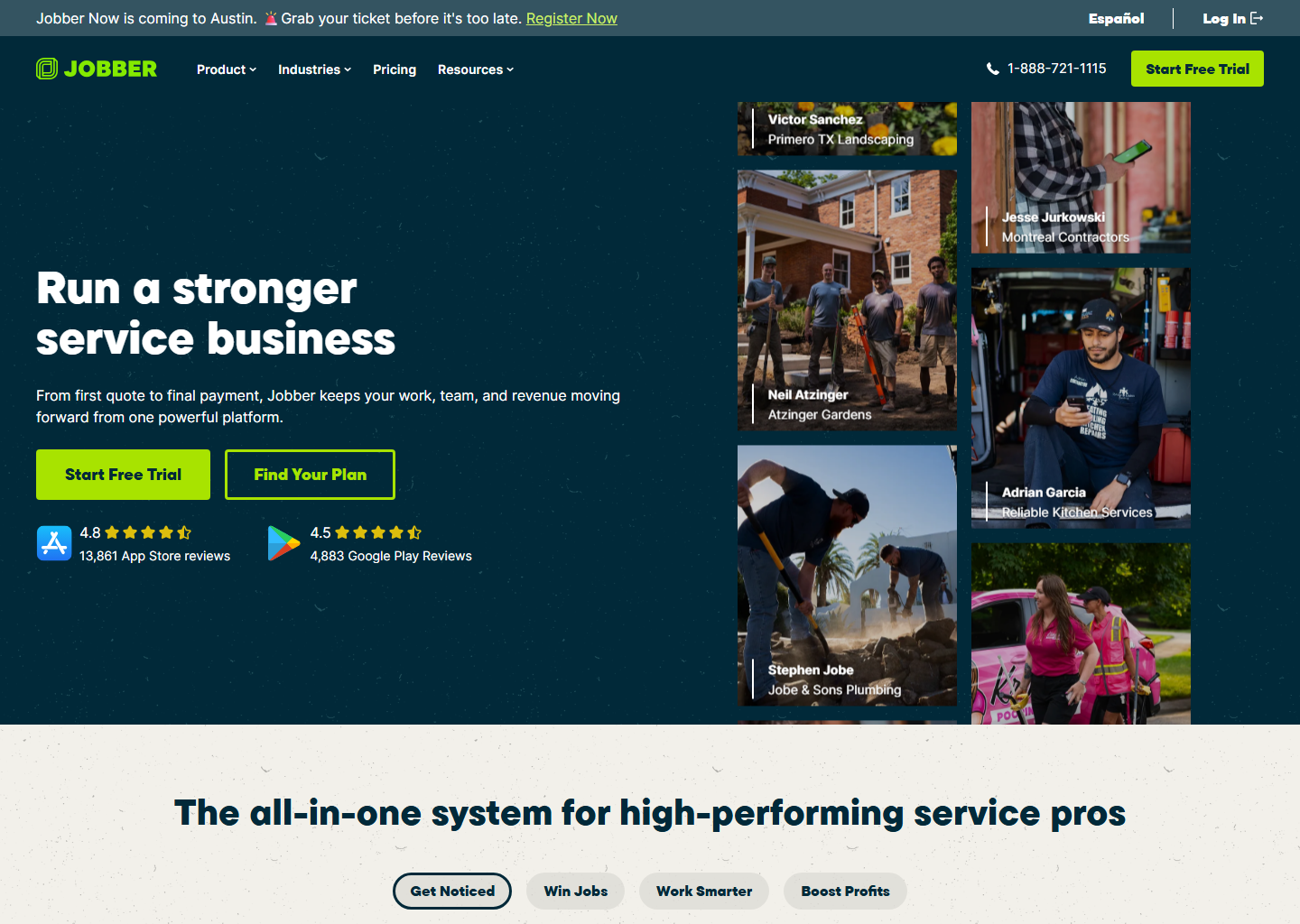
For most service businesses this is the sensible default. Core is $49/mo, or $29 billed annually. The app is rated 4.8 on the App Store across ~14,000 reviews, and the quoting flow (clean quotes, tap-to-approve add-ons, automatic follow-ups) is the best in the category.
Two things to know before you buy. The advertised price assumes you commit: $29/mo for Core is the annual rate, $39 if you sign twelve months but pay monthly, and $49 with no commitment at all. And Jobber publishes its add-on prices, which nobody else does: Receptionist $29/mo, Pipeline $49, Marketing Suite $79. The Receptionist is the bargain of the category if you lose jobs to unanswered calls.
Where it’s genuinely thin: there’s no equipment record. Properties have custom fields, and that’s it. Fine for cleaning or landscaping; a real limitation for HVAC.
Best for: solo operators and small teams who quote a lot and want a price they can see.
Read on: Jobber review · Jobber pricing
2. Housecall Pro: for crews, equipment and agreements
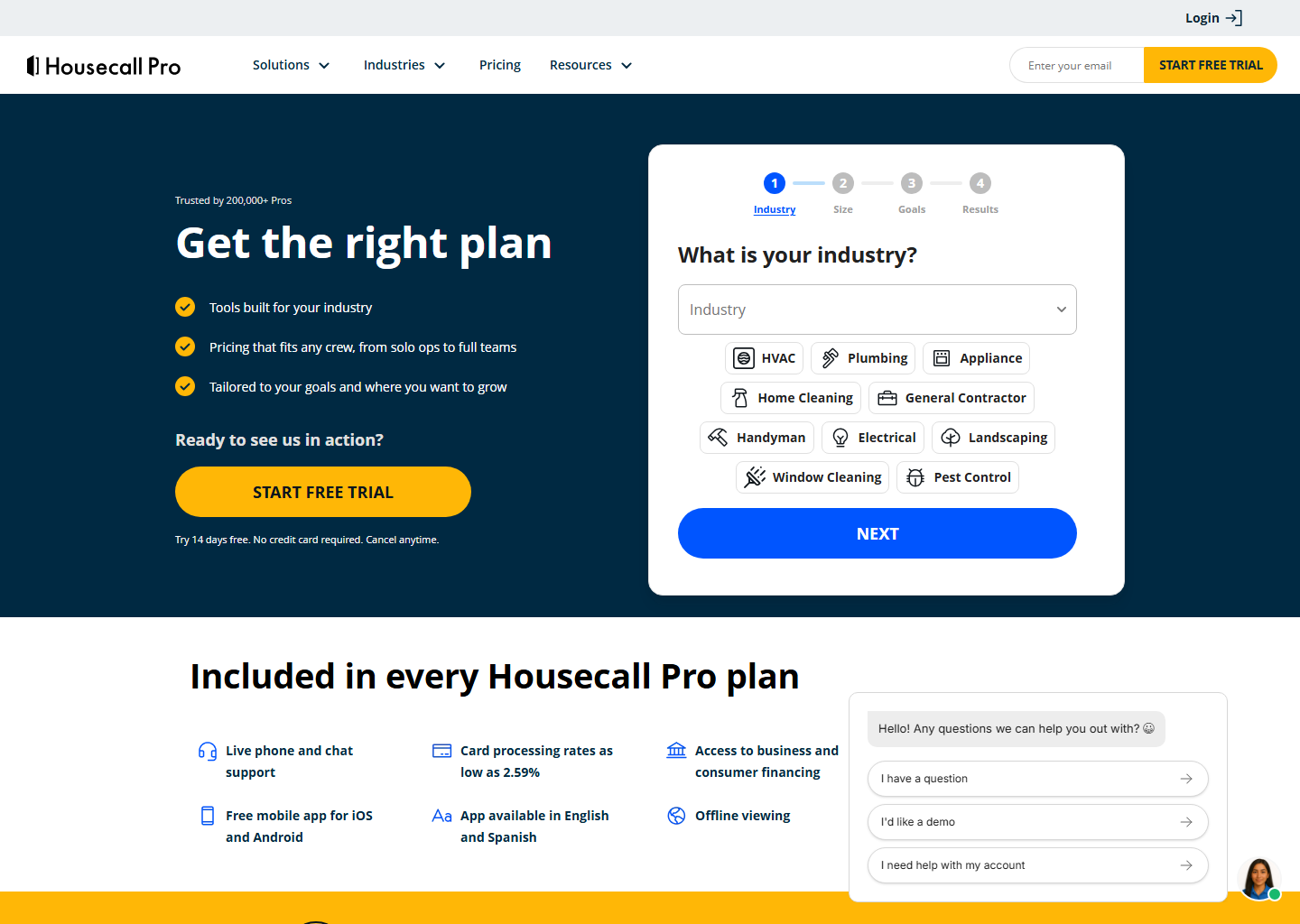
Housecall Pro is stronger than its reputation on two things that don’t show up in feature lists. Property Profiles hold a real record per unit (item type, a name like “downstairs A/C”, make, model, serial number, install date), added by the technician from a phone on the job. Its service plans are a product the customer can view, renew and upgrade themselves, rather than a recurring calendar entry. Jobber has neither.
It’s also the better buy for a team, because of the bundled seats above. Marketing and review generation are the traditional reason to choose it, and they remain genuinely good. The app ships in English and Spanish on every plan, which matters if your crew is bilingual.
The catch is tiering: service plans are MAX only, $299/mo. If agreements are your model, that’s your price, and it deserves to be in the decision from the start rather than discovered in week two of the trial. One myth to drop while we’re here: financing is not a reason to pick Housecall Pro over Jobber, because both run on the same lender, Wisetack.
Best for: teams of 3+, and any trade where knowing what’s installed matters.
Read on: Housecall Pro review · Housecall Pro pricing
3. ServiceTitan: a different category, not a bigger version
Calling ServiceTitan “the enterprise one” undersells what’s different about it. It does three things the other two don’t attempt: progress billing on AIA-style G702/G703 documents with retainage, memberships with deferred revenue, and equipment records that track the manufacturer’s warranty and your labour warranty as separate clocks.
If those sentences describe problems you have, it’s the right tool and worth the demo. If they don’t, you’d use a fraction of it and pay for all of it. Pricing is quoted per technician with a monthly minimum and nothing is published. We won’t repeat the third-party estimates, which disagree by thousands a month.
Best for: commercial contracts, membership revenue that reaches the financial statements, multi-crew operations with back-office staff.
Read on: ServiceTitan review · ServiceTitan pricing
Choose in 30 seconds
- Solo, quoting a lot, want a visible price → Jobber Core.
- Three or more people → price both; the gap is smaller than you think.
- You need to know what’s installed at the property → Housecall Pro.
- Maintenance agreements are the business → Housecall Pro MAX, or ServiceTitan at scale.
- Commercial contracts and progress billing → ServiceTitan.
- Cleaning only, tight budget → look at ZenMaid instead.
Quick questions people always ask
What’s the best field service software for a small business? Jobber for most: cheapest at one user, best quoting, everything published. Housecall Pro if you have a crew or need equipment records.
Which one is actually cheapest? At one user, Jobber ($29/mo annual against $59). At five users they’re identical at $149/mo, because Housecall Pro bundles five seats into Essentials. Compare at your headcount, not at the entry price.
Do these work for my trade? All three cover plumbing, HVAC, electrical, cleaning, landscaping, pest control and handyman work. The differences that matter are by workflow, not by trade, which is why our trade guides focus on what each job actually needs.
What’s the fee nobody mentions? Card processing. Housecall Pro publishes 2.59%–3.49% by method; Jobber publishes 2.7% + $0.30 for Tap to Pay and ties the rest to your plan, visible once you’re inside the account. At real volume it costs more than the subscription either way.
Is there a free trial? 14 days at Jobber and Housecall Pro, no card required. ServiceTitan is demo-only.
Bottom line
There’s no single best field service platform, but there is a right order to think about it. Price it at your real headcount, find the tier that holds your must-have feature, then add the card processing. Do those three in that order and the choice usually makes itself: most businesses start on Jobber, teams and equipment-heavy trades do better on Housecall Pro, and ServiceTitan is for when the back office is the bottleneck.
Keep reading
- Live prices: the pricing tracker, every published plan with the date we last checked it
- All three at once: Jobber vs Housecall Pro vs ServiceTitan, priced by team size, because the cheapest one changes as you hire
- Head-to-heads: Housecall Pro vs Jobber · Jobber vs ServiceTitan · Housecall Pro vs ServiceTitan · Jobber vs ZenMaid
- By the job you’re trying to fix: scheduling & dispatch · invoicing & getting paid · CRM & follow-up
- By your trade: plumbers · HVAC · electricians · cleaning · landscaping · pest control · handyman · pressure washing
Pricing verified on the vendors’ own sites on 29 July 2026. Some links are affiliate links. See our affiliate disclosure. Screenshots are from the vendors’ official websites and belong to their respective owners.