ServiceTitan Review (2026): The Three-Sentence Test
You’re part way through a commercial retrofit and the GC’s accounts department wants the invoice in their format, billed against the schedule of values, with retainage held back. Most reviews of this software never get near that scenario. They tell you it’s “for larger businesses” and leave you to work out whether that means you, which helps nobody: plenty of eight-truck shops don’t need it, and some four-truck commercial contractors genuinely do. Size isn’t the boundary. What your back office has to produce is, because ServiceTitan isn’t a bigger Jobber. It’s an accounting system with a dispatch board attached.
ServiceTitan earns its price when your billing is more complicated than "send an invoice." Progress billing against a schedule of values, memberships with deferred revenue, and two separate warranty clocks on the same part are the three things it does that Jobber and Housecall Pro don't attempt. If none of those describe your business, this is an expensive answer to a question you haven't asked yet.
The three-sentence test
Read these three sentences. If at least one describes a problem you actually have, book the demo. If all three read like a foreign language, you don’t need ServiceTitan yet. That’s a description of your business, not a criticism of it.
- “We bill this job in stages against a schedule of values, with retainage held back.”
- “We sold three-year agreements and our accountant needs the revenue recognised as it’s earned, not when it’s paid.”
- “The part is still under manufacturer warranty but our labour warranty ran out in March.”
Every other feature in ServiceTitan has a decent equivalent one tier down the market. These three don’t.
Test 1: progress billing a general contractor will accept
Do commercial work and you don’t invoice at the end. You invoice for the portion completed, and the GC’s accounts department expects the paperwork in a specific format.
ServiceTitan handles this properly. Its Application for Payment and Continuation Sheet are modelled on the industry-standard AIA G702 and G703 documents, the continuation sheet being the schedule of values, broken down line by line. The customer approves the application and the progress invoice is created from that approval, not from someone’s memory. Retainage can be a single project-wide rate or vary by line item, and the record tracks total contract value, work completed to date, retainage held and balance remaining.
Nothing in Jobber or Housecall Pro comes close. Both do progress invoicing: Jobber’s is a payment schedule with deposits and milestones, Housecall Pro’s is by percentage or fixed amount. Fine for a residential install split into three payments. Neither produces a G702.
Test 2: memberships as revenue, not as reminders
Housecall Pro’s service plans are genuinely good: tiers, automatic visit generation, a customer portal for renewals. What they are is an operational tool.
ServiceTitan treats memberships as an accounting object. Recurring services attach to the customer’s service location with a start date, a recurrence and a preferred technician, generating recurring service events. Payment can be upfront or recurring, and it supports deferred revenue, so a year of maintenance paid in January doesn’t all land in January’s profit. Billing runs are driven by billing templates rather than by someone working down a list.
Sell a handful of maintenance plans and this is overkill. Make memberships a meaningful share of turnover, with real financial statements at the end of it, and it’s the difference between a system and a spreadsheet with extra steps.
Test 3: two warranty clocks on the same part
ServiceTitan’s installed-equipment record holds model, serial number and full service history, and, critically, the manufacturer’s warranty period and your own labour warranty as two separate fields. Technicians pull the equipment and its history up in ServiceTitan Mobile before they touch anything.
That sounds like a detail until you’ve eaten the labour on a covered part because nobody could say what expired when. Housecall Pro’s Property Profile stores make, model, serial and install date (more than Jobber’s property custom fields, which is nothing at all), but neither tracks the two clocks separately.
What else the price buys
- Real-time job costing and reporting, with margin by job, by technician and by phase. It’s the feature big shops actually switch for, because it changes decisions rather than just describing them.
- Multi-option proposals, good-better-best presented in the field, the standard way to sell a replacement.
- Dispatch at scale, a drag-and-drop board built for reassigning work across crews all day, not for shuffling three jobs.
- 70+ pre-built integrations, including the commercial and accounting platforms a business this size already runs: Sage, ServiceChannel, XOi, Viewpoint Spectrum.
- Add-on products (Marketing Pro, Dispatch Pro, Pricebook Pro and others). None of them publishes a price either.
ServiceTitan’s own published customer figures (commercial customers, 2+ years on the platform) claim +10% invoices paid on time, +9% revenue per technician, +21% service agreement renewals and +16% annual revenue. Vendor numbers, so treat them as direction rather than fact, but the direction is plausible for the businesses it fits.
What to go in eyes open about
- No public pricing, at all. Quoted per technician with a monthly minimum across three tiers (Starter, Essentials, The Works). We won’t print a range: the third-party figures in circulation disagree with each other by thousands of dollars a month. The only real number is your quote. See our ServiceTitan pricing breakdown for what is and isn’t known.
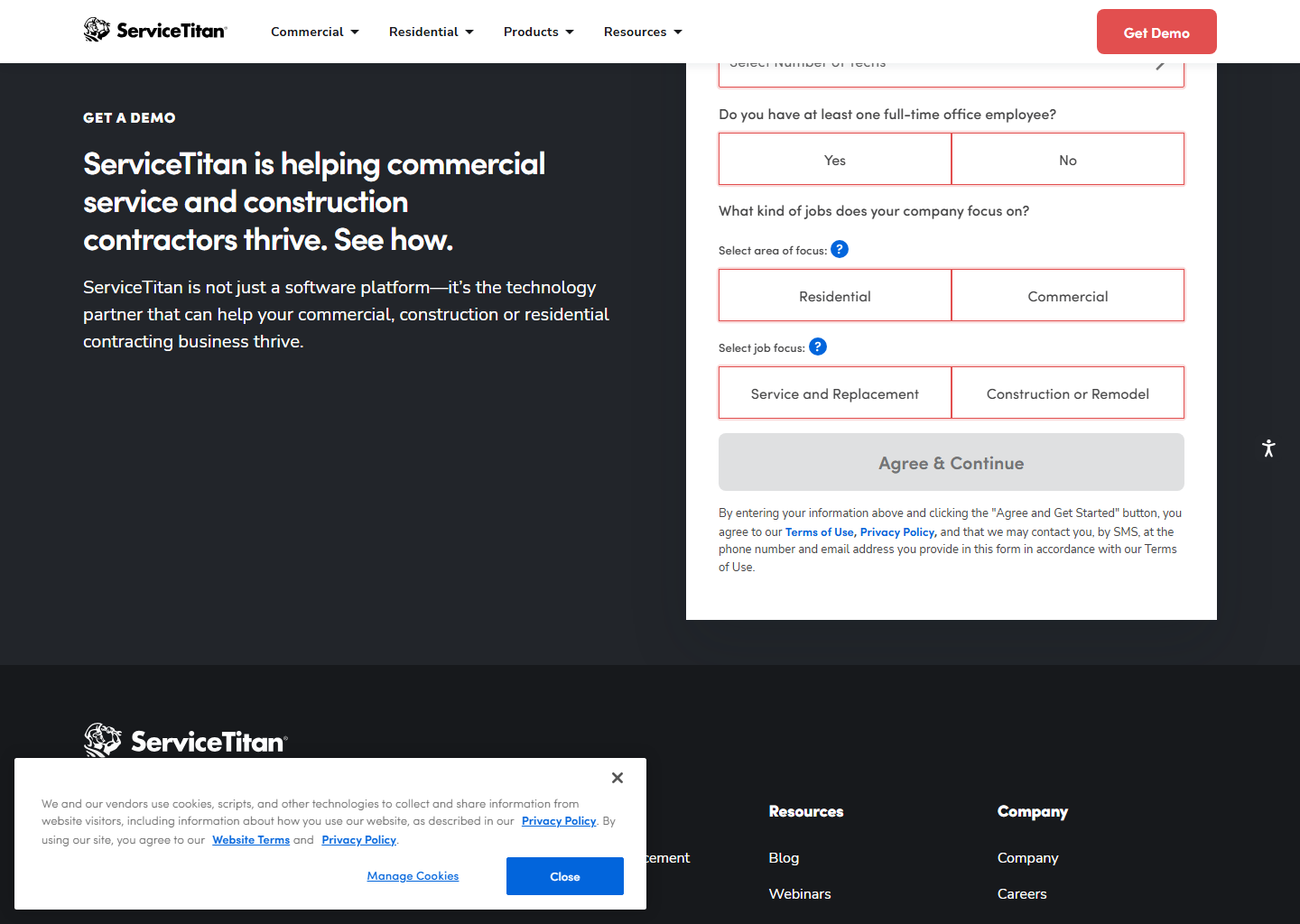
- No free trial. It’s demo-led, which tells you the target customer as clearly as any price would.
- This is an implementation, not an install. Budget real time for setup, data migration and training, and expect the first two months to feel worse before they feel better.
- A small shop will use 20% of it and pay for 100%. Not a flaw in the product, a mismatch you can avoid by reading the three sentences above honestly.
The honest pros and cons
What I like
- AIA-style progress billing with retainage
- Memberships with deferred revenue
- Manufacturer and labour warranties tracked separately
- Best-in-class job costing and reporting
- 70+ integrations, commercial platforms included
What to watch
- No public pricing and no free trial
- Per-technician with monthly minimums
- Heavy onboarding: an implementation, not an install
- Add-on products also unpriced publicly
- Overkill for a residential shop under a few crews
Who should actually buy it
Contractors with commercial contracts, membership revenue that shows up in the financial statements, or warranty exposure worth tracking, and someone in the office whose job is to look at numbers. If you have an operations manager living in spreadsheets, ServiceTitan replaces those spreadsheets with something better, and the payback is real.
If you are the operations manager, the office and the lead technician, get Jobber or Housecall Pro, grow into the problems ServiceTitan solves, and come back then. Nobody gives out a prize for buying enterprise software early.
Quick questions people always ask
How much does ServiceTitan cost? Quote-only, per technician, with a monthly minimum, across three tiers. Nothing is published. Anyone quoting a specific figure online is repeating a third-party estimate, and those estimates disagree with each other wildly.
Is there a free trial? No. ServiceTitan is demo-led. You’ll speak to a salesperson before you see the product properly.
Is it worth it for a residential HVAC or plumbing company? Usually not until you’re running several crews with membership revenue that matters to your accounts. Below that, Housecall Pro’s service plans cover the operational side at a published $299/mo. See best software for HVAC businesses.
ServiceTitan vs Jobber? Different categories rather than different sizes. Jobber sells you a field tool with excellent quoting; ServiceTitan sells you a back office. Full comparison.
Can it do good-better-best proposals? Yes. Multi-option proposals are a headline feature, presented in the field on mobile.
Does it handle commercial maintenance agreements? Yes, and it’s one of the strongest reasons to buy it: recurring services attached to the service location, with deferred revenue and automated billing runs.
Bottom line
ServiceTitan is the real thing at scale and the wrong purchase below it, and the three-sentence test sorts you faster than any feature table. Progress billing against a schedule of values, deferred revenue on memberships, two warranty clocks: if those are your problems, book the demo and negotiate hard, because the price is entirely negotiable and entirely undisclosed. If they aren’t, buy the cheaper tool and enjoy outgrowing it.
See how it stacks up: Jobber vs ServiceTitan · Housecall Pro vs ServiceTitan · the pricing tracker.
Features verified on servicetitan.com and help.servicetitan.com on 29 July 2026. Some links are affiliate links. See our affiliate disclosure. Screenshots and vendor statistics come from ServiceTitan’s official website.