Best CRM for Home Service Businesses (2026)
A homeowner calls in March, gets a quote, and goes quiet. In September they call back, and whoever picks up the phone has no idea who they are or what you quoted them. Every field service platform calls itself a CRM, and that second call is the test: does a lead get tracked before they’ve paid you a dime, can anyone on the team see what was said last time without asking around, and does follow-up happen on its own instead of waiting on someone’s memory?
Jobber bundles the real CRM basics (lead tracking, client profiles, full communication history) into its cheapest plan, with no upgrade required. Housecall Pro goes further with a dedicated Pipeline board for leads and tag-triggered marketing campaigns, but the deeper automation is gated behind its Essentials and MAX plans. ServiceTitan is built for membership and contract-based accounts at commercial scale, with a separate Marketing Pro add-on for audience-targeted campaigns.
The 30-second version
Jobber is your pick if…
You want lead tracking, client profiles, and a full log of every email and text, without paying for a higher tier to unlock it.
Housecall Pro is your pick if…
You want a visual pipeline for leads and estimates plus tag-triggered marketing campaigns, and don't mind paying for Essentials or MAX to get the full toolkit.
- Running a cleaning or maid service? → see our ZenMaid review: it’s built for recurring residential accounts, not general CRM.
- Managing memberships or service agreements across many commercial accounts? → ServiceTitan.
Pricing: what each actually costs
Jobber: Core $49/mo ($29/mo billed annually), Connect $139/mo ($99 annual), Grow $199/mo ($149 annual), Plus $499/mo ($399 annual), +$29/mo per extra user. 14-day trial, no card required. Full breakdown: Jobber pricing.
Housecall Pro: Basic $59/mo (annual; ~$79 monthly, 1 user), Essentials $149/mo (annual; ~$189 monthly, up to 5 users, +$100/mo per extra user), MAX $299/mo (annual; ~$329 monthly, up to 8 users, +$75/mo per extra user). 14-day trial. Full breakdown: Housecall Pro pricing.
ServiceTitan: quote-based, priced per technician, sold through a demo, no public number, and the Marketing Pro add-on is priced separately on top. See our ServiceTitan review for the full pricing reality.
What each one calls CRM
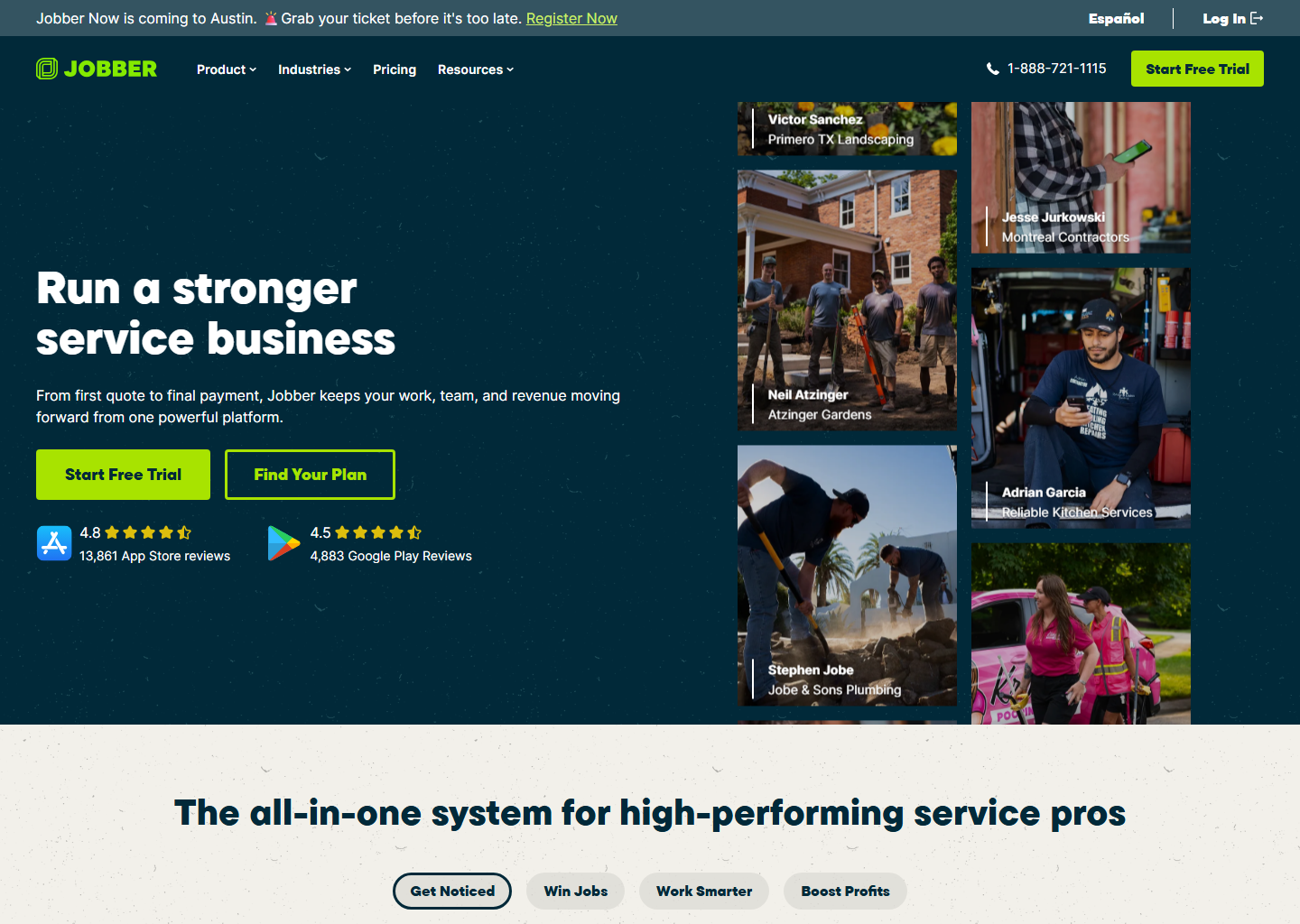
Jobber. Every client gets a digital file: contact info, property details and photos, and the full job history, searchable from the office or the field. Communication history logs every email and text between you and the client, including automated notifications like booking confirmations and on-my-way texts, so anyone on the team can pick up a conversation without asking what was already said. Lead Management tags a new contact as a lead the moment they’re added, and they stay labeled that way until you create a job, send an invoice, or they approve a quote, at which point Jobber promotes them to a client automatically. The useful part is that none of it sits behind a higher tier. Lead tracking, client profiles, and the self-serve Client Hub portal all come with Core, the cheapest plan Jobber sells.

Housecall Pro. Customer records hold private notes, work history, photos, and documents, plus call history and recordings pulled straight into the profile. Tags are fully custom, internal-only labels (referral source, service route, commercial vs. residential, whatever fits), and they double as targeting rules for marketing: an email campaign can fire “if tagged with” a specific label. The standout is Pipeline, a dedicated board view that separates open leads, estimates, and jobs into their own columns and automatically messages a new lead the moment they’re added, so nothing sits untouched waiting on a callback. Automated review requests trigger off a job being marked complete or an invoice getting paid. The catch is the plan ladder. Basic covers core scheduling, dispatch, invoicing, and payments, but the marketing campaign tools that make tags genuinely useful come with Essentials or MAX, not the entry plan.
ServiceTitan. This is CRM built around recurring revenue rather than a single job. Membership and service-agreement management lets you set up, track, and renew contracts from one tool, with a customer-facing portal tab where clients can view their membership, see upcoming maintenance visits, and update the card on file. Membership customers get tagged company-wide so any rep can see the relationship at a glance. Inbound calls are logged automatically through built-in call booking software, so a CSR has the customer’s history pulled up before they finish saying their name. Marketing Pro, a separate add-on, builds audience segments straight from ServiceTitan data: customers with unsold estimates, expiring memberships, aging equipment, or accounts that have gone quiet. It can also remind members automatically before a contract lapses. None of it is cheap or self-serve; it’s built for operations managing volume, not a five-person crew.
The honest pros and cons
What I like about Jobber
- Lead tracking and full communication history on the cheapest plan
- Client Hub self-serve portal included at every tier
- Leads promote themselves to clients without any manual re-tagging
What to watch with Jobber
- No dedicated visual pipeline for leads: it's a list with tags, not boards
- No built-in tag-triggered marketing campaigns
What I like about Housecall Pro
- Pipeline gives leads, estimates, and jobs their own visual boards
- Custom tags double as marketing-campaign targeting rules
- New leads get auto-messaged the moment they come in
What to watch with Housecall Pro
- Marketing campaigns and review automation need Essentials or MAX, not Basic
- Entry price is roughly double Jobber's annual rate at one user, though it evens out by five seats, since Housecall Pro bundles them
What I like about ServiceTitan
- Purpose-built membership and service-agreement tracking
- Marketing Pro segments by real account data (expiring contracts, unsold estimates)
- Inbound calls auto-logged with customer history already pulled up
What to watch with ServiceTitan
- No public pricing for the platform or the Marketing Pro add-on: demo and quote required
- Overbuilt for a business that isn't selling recurring memberships or contracts
Who should pick which
- Solo operator or small crew that just needs to stop losing leads: Jobber. It’s all in the entry plan.
- Want leads visualized as a pipeline and marketing that fires off tags: Housecall Pro, but budget for Essentials or MAX to get the full toolkit.
- Selling and renewing memberships or service agreements at volume: ServiceTitan, since nothing else here is built for that workflow.
- Running a cleaning or maid service with recurring residential visits: see ZenMaid instead, since none of these three are specialists in that niche.
Quick questions people always ask
Does Jobber’s CRM cost extra on top of the base plan? No. Lead management, client profiles, property records, and the Client Hub portal are included on Core, Jobber’s cheapest plan. You don’t need to upgrade to get basic CRM functionality.
What’s the real difference between Jobber’s lead tracking and Housecall Pro’s Pipeline? Jobber tags a contact as a lead on the client list and auto-promotes them once you create a job, send an invoice, or they approve a quote. Housecall Pro’s Pipeline is more visual: leads, estimates, and jobs each get their own board, and it auto-messages new leads on arrival. Pipeline is the stronger tool for teams actively working a sales funnel; Jobber’s approach is simpler and needs no extra setup.
Can any of these send marketing emails automatically based on customer tags? Housecall Pro can: its tags support “if tagged with” targeting for email campaigns, but that’s part of the Essentials/MAX toolkit, not Basic. Jobber and ServiceTitan both automate operational messages (appointment reminders, on-my-way texts, membership renewal reminders), but tag-triggered marketing campaigns aren’t part of either platform’s core CRM the way they are in Housecall Pro.
Is ServiceTitan’s CRM worth it for a small residential-only business? Usually not. Its strength is membership and contract management at scale, plus a paid Marketing Pro add-on for audience segmentation. Both overkill (and over-budget) if you’re not running recurring service agreements across a large customer base. Jobber or Housecall Pro will cover a small operation’s CRM needs for a fraction of the cost.
Bottom line
If you just need a CRM that tracks leads and remembers every conversation, Jobber gets you there on its cheapest plan, with no upsell required. Housecall Pro is the better choice if you want leads visualized as a pipeline and marketing campaigns that trigger off custom tags, as long as you budget for Essentials or MAX. ServiceTitan only makes sense once memberships or service agreements are a real part of your revenue: its CRM is built around renewing contracts, not just remembering a client’s name. All three offer a trial or demo, so run your actual lead list through one before you commit.
More context: best field service management software · Jobber review · Housecall Pro review · how to get more reviews for your home service business.
Pricing verified on the vendors’ own sites on 29 July 2026. Some links are affiliate links — see our affiliate disclosure. Screenshots are from the vendors’ official websites and belong to their respective owners.