Jobber Review (2026): Pricing, Features, Pros & Cons
Most field service software makes you talk to a salesperson before it will tell you a price. Jobber puts the number on the page: $49/mo for Core, up to $499/mo for Plus, add-ons listed underneath. That’s the main reason it belongs on your shortlist, and there’s one asterisk on that number that catches people out in month thirteen. Every figure below was checked against Jobber’s own pages.
Jobber is the easiest recommendation for most small and growing service businesses. Transparent pricing, a genuinely great quoting-to-payment flow, and a top-rated app. The catch: it's not built for heavy enterprise reporting.
What is Jobber?
Jobber takes a service business from “first quote to final payment”: scheduling, dispatching, quoting, invoicing, payments, and a client CRM, all wrapped in a strong mobile app. It covers 50+ trades (plumbing, HVAC, cleaning, landscaping, electrical…) and says 400,000+ pros use it. It’s the office manager you don’t have to hire.
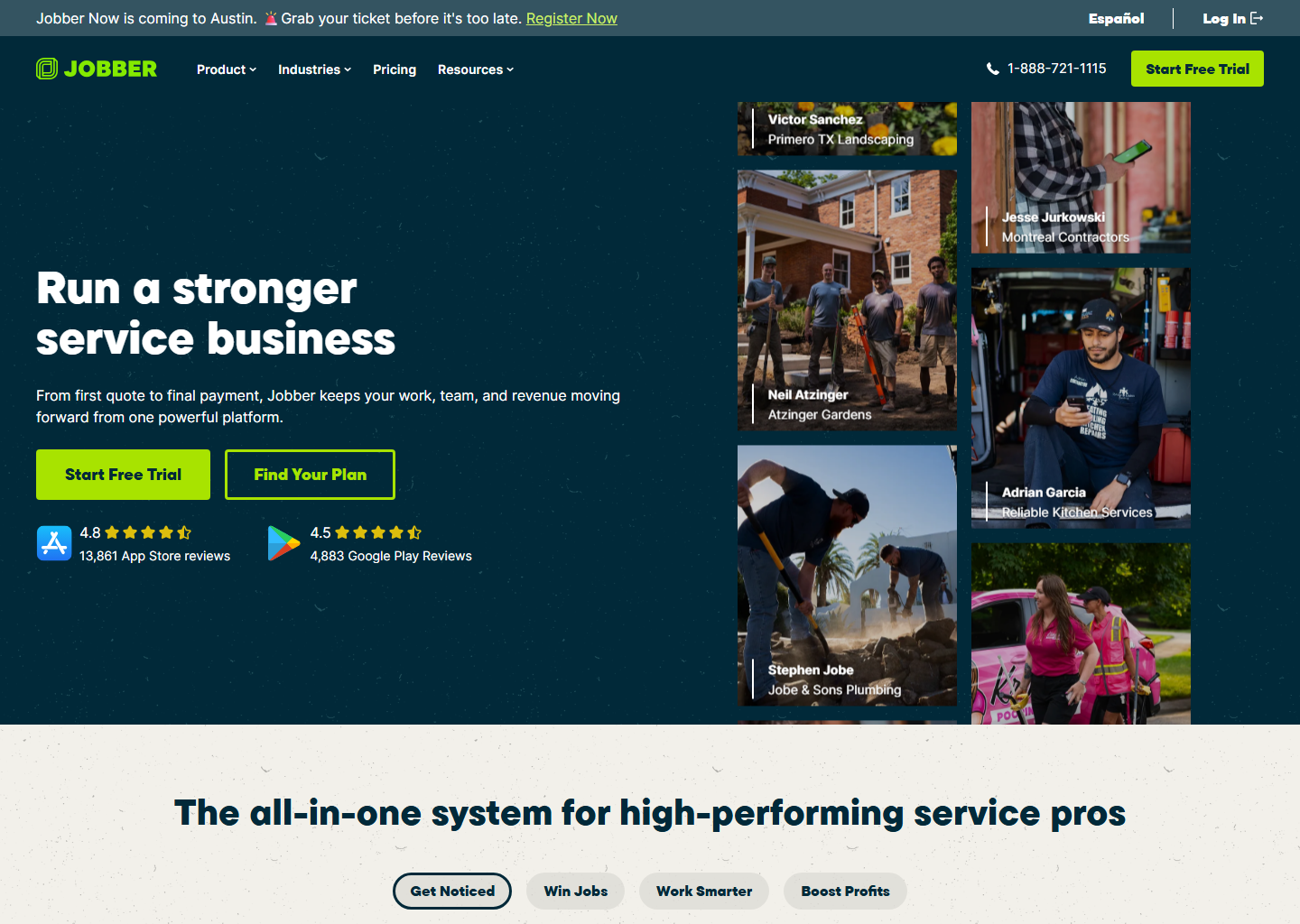
Jobber pricing
Jobber publishes the whole grid, monthly and annual.
| Plan | Billed monthly | Billed annually | Users included |
|---|---|---|---|
| Core | $49/mo | $29/mo | 1 |
| Connect | $139/mo | $99/mo | 1 · 5 users $149/mo · 10 users $229/mo · 15 users $299/mo (annual) |
| Grow | $199/mo | $149/mo | 1 · 5 users $229/mo · 10 users $299/mo · 15 users $399/mo (annual) |
| Plus | $499/mo | $399/mo | 5 · 10 users $449/mo · 15 users $529/mo (annual) · sales-led |
Extra users are $29/mo each; the 14-day trial runs on Grow with no card. Jobber also sells bigger seat bundles that only show up when you change the team-size selector: Connect with 5 users at $149/mo, Grow with 10 users at $299/mo. Both beat buying seats one at a time by a wide margin. Note that the price and the seat count move together with that selector, so a single glance at the page shows you one rung of a ladder.
Now the asterisk. Each plan has a third price the two columns above don’t show: sign for twelve months but keep paying monthly and Core is $39/mo, Connect $119, Grow $169. It’s most of the annual discount without handing over the year up front. And the crossed-out figure beside every price is the no-commitment rate, not an old one, so it isn’t the price cut it resembles. Jobber does run real first-year promotions on top of that — there was one through August 2026 — but none was on the page when we last checked, on 6 September 2026. Every figure in this review is the standing rate. Plan-by-plan detail in our Jobber pricing guide.
The three things the price page doesn’t tell you
Card processing is the real monthly cost, and Jobber doesn’t put one number on the page. Its help centre says your Jobber Payments rate is determined by the subscription plan you’re on, and that the rate you actually pay is shown inside your account. What it does publish for everyone: Tap to Pay at 2.7% plus 30 cents per transaction on every plan in the US and Canada, 0.2% off your credit card fee if you take payment on the physical card reader, 1% for ACH bank payments, and an extra 1% if you want the payout instantly instead of waiting for the normal cycle. On $20,000/month of card volume the published Tap to Pay rate alone comes to $540 plus the per-transaction cents, more than the software itself on Core. Push your bigger invoices to ACH and that number drops hard.
QuickBooks sync isn’t on the cheapest plan. The QuickBooks Online sync is one-way (Jobber → QuickBooks) and it lives on Connect and Grow, not Core. If your bookkeeper needs that sync, your real entry price is Connect ($139/mo, $99 billed annually), not $49. Better to know that before the trial ends than after.
Route optimization has the same catch: it starts at Connect too. Core gives you the calendar and the map view; the engine that actually re-sequences your day sits one tier up. If you run a dense route with 8+ stops, price the plan accordingly. See our scheduling software comparison.
The parts you’ll actually use
- Quoting & estimates. The standout: clean quotes, tap-to-approve add-ons, and automatic follow-ups that chase the jobs you’d forget.
- Scheduling & dispatch: a drag-and-drop calendar with day/week/month and map views, plus route optimization from Connect up.
- Invoicing & payments. Invoice from the field, get paid by card. Two options worth knowing: batch invoicing (one invoice per client covering several jobs, split automatically when tax rates differ) and progress invoicing (a payment schedule with deposits and milestones, for work that runs longer than a day). We compare this head-to-head in best invoicing software for contractors.
- Lead management & Client Hub. A new contact is auto-tagged as a lead and promoted to a client the moment you create a job, send an invoice or get a quote approved. Both come with Core, the cheapest plan. More in our CRM comparison.
- Jobber AI, which helps price jobs, flag up-sells, and draft quotes and messages.
- The mobile app. People genuinely like it (4.8★).
The add-ons, and why they matter more than the plan
Jobber does something its competitors don’t: it publishes add-on prices instead of routing you to a salesperson.
| Add-on | Price | What it does |
|---|---|---|
| Jobber Receptionist | $29/mo | AI answers calls and texts around the clock, takes requests, books jobs |
| Pipeline | $49/mo | Keeps every request and quote in one view so leads don’t go cold |
| Marketing Suite | $79/mo | A marketing plan built around your business |
Receptionist at $29/mo is the one worth a hard look, especially in emergency trades where the job goes to whoever picks up. Note the price: several third-party articles quote $99 for it, which is simply wrong, and it makes a cheap add-on look unaffordable. We put it against the alternatives in AI answering services for contractors.
What Jobber doesn’t do
One genuine gap, and it’s the reason some trades outgrow Jobber rather than out-scale it: there is no equipment record. Jobber’s data model is clients who own properties, and a property has custom fields, so you can create a field called “serial number” and type into it. What you can’t do is hold a unit as its own object with make, model, serial, install date and service history attached to it.
For a cleaner or a landscaper that’s irrelevant. For HVAC, where the second visit is only cheaper than the first if you already know what’s on the pad, it’s the thing that eventually pushes people to Housecall Pro or ServiceTitan. Worth knowing before you build three years of history in the wrong shape. See best software for HVAC businesses for how that plays out.
Pros and cons
What I like
- Transparent, public pricing
- Excellent quoting & follow-ups
- Top-rated, easy mobile app
- Fast setup; scales to ~15 users
What to watch
- QuickBooks sync and route optimization start at Connect, not Core
- Your card rate depends on your plan and only shows inside the account
- No per-unit equipment records (custom fields only)
- Three prices per plan; the cheapest ones sign you for a year
- Reporting is lighter than ServiceTitan
Who is Jobber for?
Solo operators and growing teams up to ~15 users who want a clear price, great quoting, and something they can actually learn in an afternoon. If you’re a large commercial operation that needs deep reporting and 70+ integrations, ServiceTitan is the better home. We lay out that gap in Jobber vs ServiceTitan. If Jobber is close but not quite it, start with the alternatives.
Quick questions people always ask
How much is Jobber per month? Core is $49/mo ($29 billed annually), Connect $139 ($99), Grow $199 ($149) and Plus $499 ($399). Extra users are $29/mo each.
Does Jobber charge for payments? Yes, and the card rate isn’t a single published number: Jobber says it’s determined by the plan you’re on and shows it inside your account. Published for everyone: Tap to Pay at 2.7% plus 30 cents, 0.2% off with the card reader, 1% for ACH, and an extra 1% if you take instant payouts. All of it is separate from the subscription.
Does Jobber sync with QuickBooks? Yes, but one-way (Jobber → QuickBooks Online) and only on the Connect and Grow plans. Core doesn’t include it. When you connect it you choose the trigger: invoices sync either as soon as they’re created or only once marked as sent. Whether that upgrade is worth $70–$90/mo is its own calculation.
Is there a free trial? 14 days on the Grow plan, no card required. Run two or three real jobs through it end to end (quote, schedule, invoice, get paid) before you decide.
Is Jobber better than Housecall Pro? Cheaper at one user and better at quoting; Housecall Pro is stronger on marketing, review generation, equipment records and maintenance agreements. Financing is a tie. Both run on Wisetack, the same lender, whatever you’ve read elsewhere. And the price gap closes as you hire: at five users both platforms cost $149/mo. Full breakdown in Housecall Pro vs Jobber.
Bottom line
For most home service businesses, Jobber is an easy yes. Do the arithmetic before you sign, though: decide which of the three billing options you actually want, add a tier if you need QuickBooks sync or route optimization, and put card processing on top of both. Then take the 14-day trial on Grow and run two real jobs through it, quote to paid.
See how it stacks up: Housecall Pro vs Jobber · Jobber vs ServiceTitan.
Pricing verified on getjobber.com on 29 July 2026. Some links are affiliate links — see our affiliate disclosure. Screenshots belong to their respective owners.