Best Scheduling Software for Home Service Businesses (2026)
It’s 10:40 on a Tuesday and your best tech just called in sick. Four jobs are sitting on his board, two of them slots you already moved once for the customer. Every field service tool sells you a calendar, so that part is a tie. What separates them is the next twenty minutes: whether you drag those visits onto another tech’s day and let the software re-sequence his route, or rebuild the afternoon by hand while the customers wait for a callback.
Jobber has the best everyday scheduling calendar for solo pros and small teams, with route optimization built in from its Connect plan up. Housecall Pro matches it feature-for-feature and adds stronger recurring-plan automation and online booking. ServiceTitan is the pick once you need AI-driven dispatch across many trucks. ZenMaid is the specialist for recurring cleaning schedules: cheap and purpose-built, but it won't auto-sequence a multi-stop route for you.
The 30-second version
Jobber is your pick if…
You're a solo operator or growing team who wants a clean, fast calendar with real route optimization, without paying for enterprise features you'll never touch.
Housecall Pro is your pick if…
You want the same calendar strength plus automated rebooking for recurring customers and online booking widgets doing the scheduling for you.
- Running multiple crews and trucks with complex daily reshuffling? → ServiceTitan’s Dispatch Pro.
- A cleaning or maid service running recurring weekly/biweekly visits? → ZenMaid.
Pricing: what each actually costs
Jobber: Core $49/mo ($29/mo billed annually), Connect $139/mo ($99 annual), Grow $199/mo ($149 annual), Plus $499/mo ($399 annual), +$29/mo per extra user. 14-day trial, no card required.
Housecall Pro: Basic $59/mo (annual; ~$79 monthly), Essentials $149/mo (annual; ~$189 monthly, +$100/mo per extra user), MAX $299/mo (annual; ~$329 monthly, +$75/mo per extra user). Its pricing page runs a short quiz that tailors the final plan. 14-day trial.
ServiceTitan: quote-based, priced per technician, sold through a demo, no public number. Dispatch Pro (the AI dispatch add-on) is priced separately on top of the core platform. See our ServiceTitan review for the full pricing reality.
ZenMaid: Starter $19/mo + $4/mo per active cleaner (up to 40 appointments/mo), Pro $39/mo + $14/mo per active cleaner (unlimited appointments, GPS tracking), Pro Max $49/mo + $24/mo per active cleaner. 14-day trial, no card, free 1:1 setup call. (Full breakdown: ZenMaid review.)
What each one does with a messy Tuesday
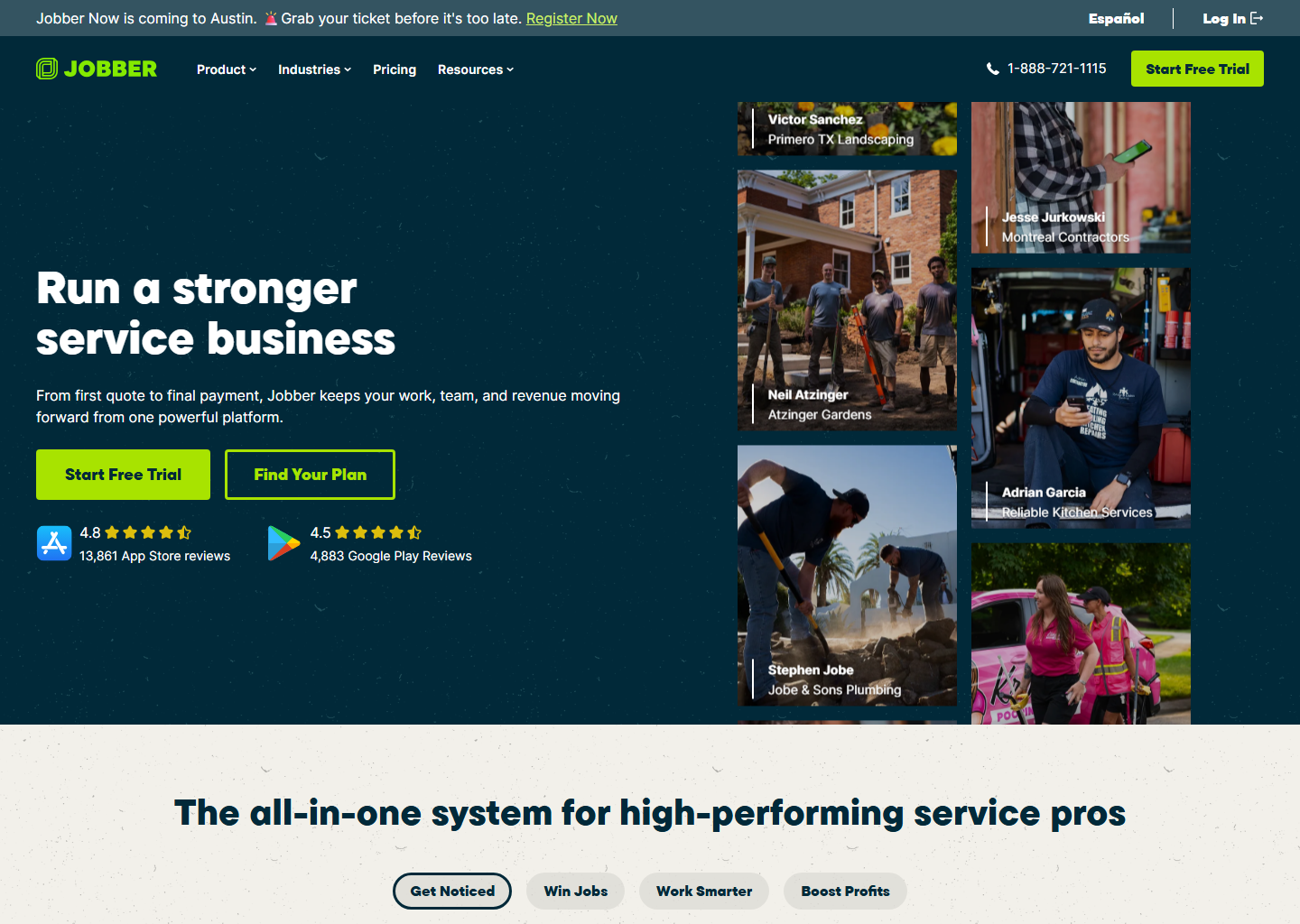
Jobber. You grab a visit, drop it on a new day or time slot, and that’s the whole interaction. Switch between day, week, and month views, color-code and filter jobs, pull up a map view next to the schedule. Recurring jobs (weekly, monthly, or custom) are built for maintenance contracts, and a dedicated tool speeds up creating new visits off an existing recurring job. Route optimization, meaning the automatic reordering of a tech’s stops to cut backtracking, ships on the Connect plan and up rather than the base Core tier. Jobber also shipped a new route-optimization engine in 2026 that can re-sequence a route on the fly as the day changes, which is the part that matters on a Tuesday like the one above.

Housecall Pro. The basics are a match: drag-and-drop scheduling, a visual calendar with a map view, live job-status updates so the office can assign work on the fly. It edges ahead on repeat business, where recurring service plan automation actually auto-rebooks the maintenance customers who drive the most lifetime value instead of just holding a recurring slot open. Built-in real-time GPS tracking shows where techs are, how long they’ve been on-site, and where they’re headed next. And Online Booking lets customers grab a slot straight from your website, Google Business Profile, or social pages, so the schedule fills part of itself while you’re under a sink.
ServiceTitan. The dispatch board is built for volume: point-and-click to extend, shorten, or reschedule jobs across a full roster of trucks. The step up is Dispatch Pro, a paid add-on that uses machine learning to auto-assign the optimal technician to a job, reshuffling the board roughly every 10 minutes during business hours (hourly outside them) and re-optimizing up to three days ahead. Adjustable Capacity Planning (dialing technician capacity up or down by job type and season) is part of the core platform rather than an add-on. All of this is built for a business moving many crews at once, and it will feel like a lot of software if you’re one van with a helper.
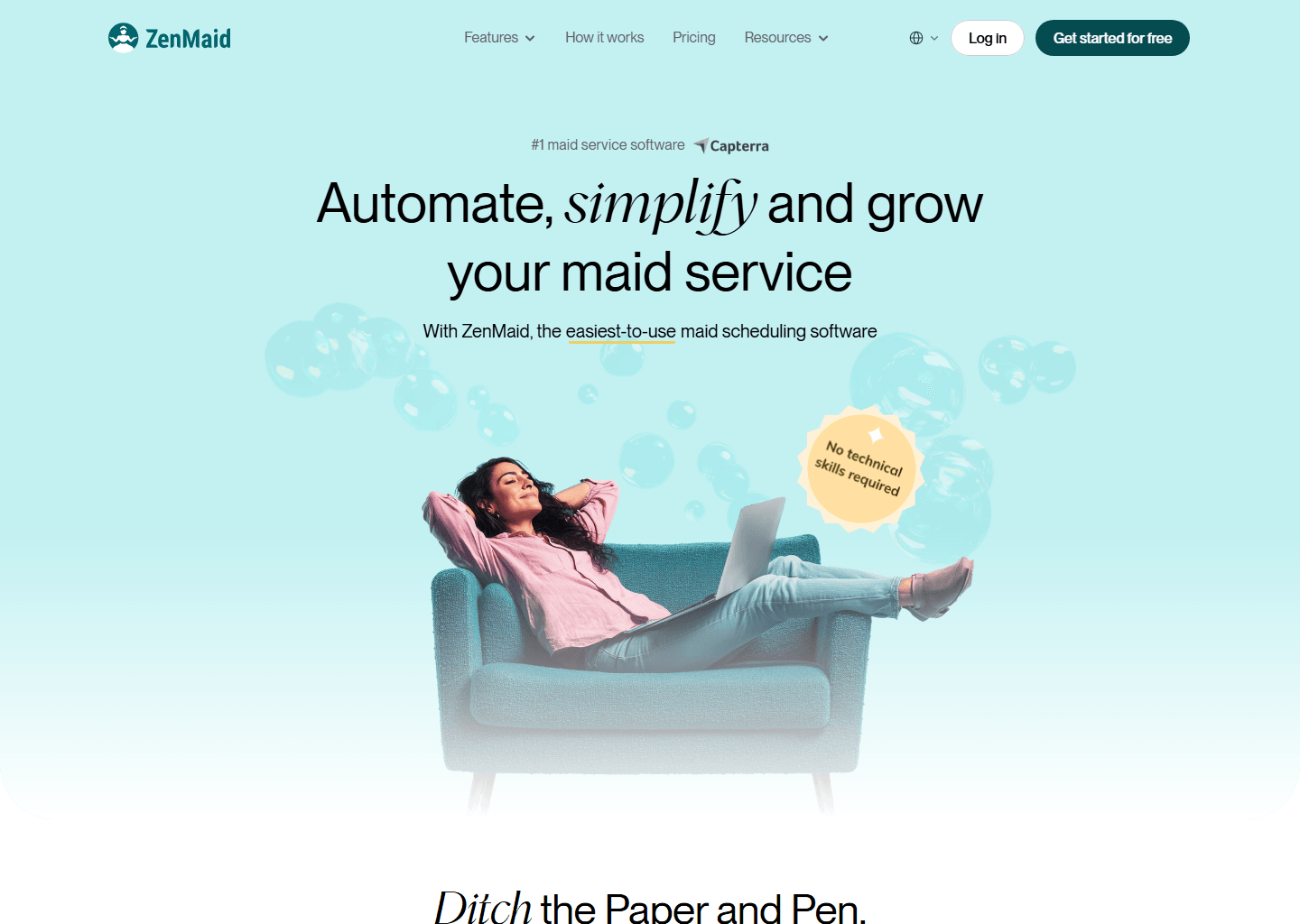
ZenMaid. Purpose-built for recurring cleaning schedules, with calendar, list, dispatch, and map views, plus color-coding by cleaner, team, status, recurrence, and payment. Drag-and-drop rescheduling works the same way it does elsewhere. GPS and time tracking (know when a cleaner clocks in, out, and where) ships on the Pro plan and up. The honest gap: ZenMaid has no automatic route optimization. By its own comparison pages, it favors “route awareness with map views” over route-optimization overhead. In practice, a dispatcher still sequences a multi-stop day by eye. That’s fine for a handful of crews working neighborhoods they know, and a real limitation once you’re routing several teams across a spread-out territory.
The honest pros and cons
Jobber: what I like
- Fast, uncluttered drag-and-drop calendar
- Real route optimization, re-sequences on the fly
- Lowest entry price of the general-purpose picks
Jobber: what to watch
- Route optimization isn't on the entry Core plan
- No built-in AI auto-dispatch like ServiceTitan's add-on
Housecall Pro: what I like
- Recurring plans that actually auto-rebook customers
- Live GPS tracking and route mapping built in
- Online booking fills gaps in the calendar for you
Housecall Pro: what to watch
- Entry price is roughly double Jobber's annual rate at one user (it levels out by five, since Housecall Pro bundles seats)
- Final plan is quiz-tailored, so confirm the exact number
ServiceTitan: what I like
- AI-driven auto-dispatch reshuffles the board for you
- Capacity planning built for seasonal demand swings
ServiceTitan: what to watch
- No public pricing; a demo and a quote are required
- Overkill (and over-budget) for a small crew
ZenMaid: what I like
- Cheapest entry point of the four by far
- Built specifically around recurring cleaning visits
ZenMaid: what to watch
- No automatic route optimization, so routing stays manual
- Cleaning-only; not a fit for other trades
Who should pick which
- Solo operator or small crew, general trade: Jobber, the cleanest calendar for the money.
- Growth depends on repeat customers and filling gaps: Housecall Pro. Its recurring automation and online booking do the work.
- Running five-plus trucks with constantly shifting jobs: ServiceTitan. Dispatch Pro is built for exactly that chaos.
- A maid service or recurring cleaning business: ZenMaid. Cheap, focused, and it gets the recurring calendar right.
Quick questions people always ask
Which of these has true route optimization? Jobber (Connect plan and up) and Housecall Pro both auto-sequence a tech’s stops. ServiceTitan goes further with AI-driven auto-dispatch via its Dispatch Pro add-on. ZenMaid does not auto-optimize routes. It’s map-aware but manually sequenced.
Do I need the most expensive plan to get a good calendar? No. All four give you a usable drag-and-drop calendar on their entry tier. Route optimization and AI dispatch are the features gated behind higher plans (Jobber, ServiceTitan), so check before you assume it’s included.
Is ZenMaid a real alternative outside of cleaning? No. It’s purpose-built for maid services and recurring cleaning routes. For any other trade, start with Jobber or Housecall Pro.
What if I outgrow Jobber or Housecall Pro’s scheduling? That’s usually the signal to look at ServiceTitan. See our full breakdown of when to make that jump.
Bottom line
For most home service businesses the calendar itself won’t settle the choice between Jobber and Housecall Pro, because both are good at it. Pick Jobber for the lower price and route optimization from Connect up; pick Housecall Pro if recurring-customer automation and online booking matter more to your growth. Go ServiceTitan only once you’re dispatching enough trucks that AI reshuffling earns its keep, and ZenMaid only if you run a cleaning business and want the cheapest purpose-built option. All four run a free trial or a demo, so push a real week of your own jobs through the shortlist before you pay for anything.
More context: best field service management software · Jobber vs Housecall Pro · best software for cleaning businesses.
Pricing verified on the vendors’ own sites on 29 July 2026. Some links are affiliate links — see our affiliate disclosure. Screenshots are from the vendors’ official websites and belong to their respective owners.