Jobber Alternatives (2026): 3 Options Worth Considering
Your Jobber bill came in bigger this month, and nothing about the business changed to explain it. That’s where most searches for a Jobber alternative start.
If you’ve been on the platform about a year, read the next section before you look at a single alternative. There’s a good chance nothing was raised and nothing is wrong, and switching platforms to solve a problem you don’t have is an expensive mistake.
Past that, for most small service businesses Jobber is genuinely hard to beat: public pricing, the best quoting in the class, a 4.8★ app. But “most” isn’t “all”. Three reasons to look elsewhere survive scrutiny: you need equipment records or maintenance agreements it doesn’t have, you’ve outgrown its shape, or a specialist tool fits your trade better and costs less.
Want marketing muscle and financing? → Housecall Pro. Outgrown Jobber (multiple crews, commercial contracts)? → ServiceTitan. Running a maid service and watching every dollar? → ZenMaid from $19/mo.
First: the month-13 price rise that isn’t one
Jobber’s pricing page prints a crossed-out number above every price, and it is not an expiring offer: it’s the month-to-month rate, shown next to whichever commitment you selected. Core reads $49 crossed out, then $29/mo billed annually. There is a third option between them — $39/mo, paid monthly, twelve months signed. Real first-year promotions do happen on top of this (one ran through August 2026, Core at $21 with “for 12 months, then $29/mo” underneath), and those do end. There was none on the page on 6 September 2026.
When one of those does end, that isn’t a price increase. It’s the end of a discount you were given. If your bill just moved from $105 to $149, Jobber didn’t change its prices; you reached month thirteen. Switching platforms to escape it means paying migration costs to move to a competitor whose standard price is the same or higher.
What is worth doing at that point: check you’re on the right plan (people buy Grow for a feature they never used), reconsider whether you needed the software at all if the spreadsheet was working, and look at the seat bundles hidden behind the team-size selector. Connect with 5 users at $149/mo and Grow with 10 at $299/mo are much better value than adding seats at $29 each.
The real reasons people leave
- No equipment records. Jobber’s data model is clients and properties with custom fields, and there is no per-unit object holding make, model, serial and install date. For HVAC, refrigeration or anything with an installed base, this is the one that eventually forces a move.
- No maintenance agreement product. Jobber schedules recurring visits and charges a saved card, but the customer has no plan to view, renew or upgrade. If agreements are your business model, that gap compounds every year.
- Per-seat cost as you hire. $29/user/mo adds up fast against competitors that bundle seats into the tier.
- Scale and commercial billing. Past a handful of crews, or once a general contractor asks for an AIA-style application for payment, Jobber runs out of shape.
If none of those describes you, stay with Jobber. Migration costs real time and real risk, and “the bill went up” is not a reason.
1. Housecall Pro: the marketing-first alternative
The closest like-for-like swap, with the strongest marketing automation in the class: review requests, campaigns, online booking, plus consumer financing and a bilingual (EN/ES) app. Pricing starts at $59/mo billed annually (a short quiz tailors your plan), 14-day trial, 4.7★ on Capterra, card processing “as low as 2.59%.”
Choose it over Jobber when: you need equipment records (Property Profiles hold item type, make, model, serial number and install date, added from the technician’s phone) or maintenance agreements customers renew themselves, the two things Jobber has no answer for. Or when you have a crew: Housecall Pro bundles 5 seats into Essentials at $149/mo and 8 into MAX, where Jobber includes one and charges $29 for each extra. At five users the two platforms cost exactly the same.
One myth to drop: financing is not a reason to switch. Both run consumer financing through the same lender, Wisetack.
And the catch: Housecall Pro’s recurring service plans are on MAX, $299/mo. If agreements are why you’re moving, that’s your real price, not $59.

Full comparison: Housecall Pro vs Jobber →
2. ServiceTitan, for when you’ve outgrown Jobber
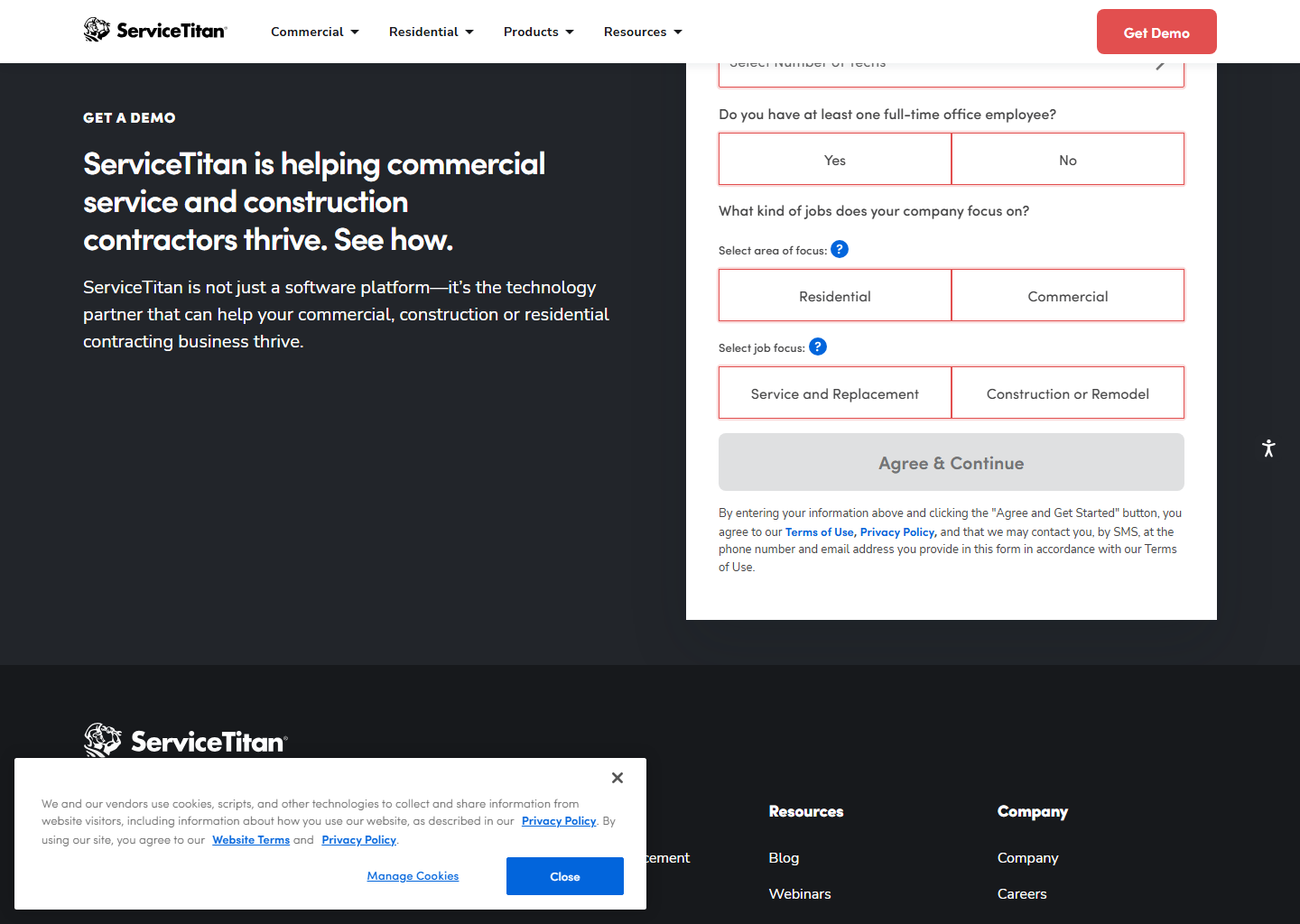
When you’re running multiple crews, commercial contracts, and a back office that lives in reports, ServiceTitan is the step up: real-time job costing, enterprise dashboards, 70+ integrations. Quote-based, per-technician pricing, demo-led sales. Priced for scale, and worth it only at scale.
Choose it over Jobber when you need one of three things Jobber doesn’t attempt at any tier: AIA-standard progress billing (G702/G703 with retainage) for commercial contracts, memberships with deferred revenue, or equipment records tracking manufacturer and labour warranties separately. If you can’t name which of those you need, you’re not ready to pay for it.
Full comparison: Jobber vs ServiceTitan →
3. ZenMaid, if you only clean houses
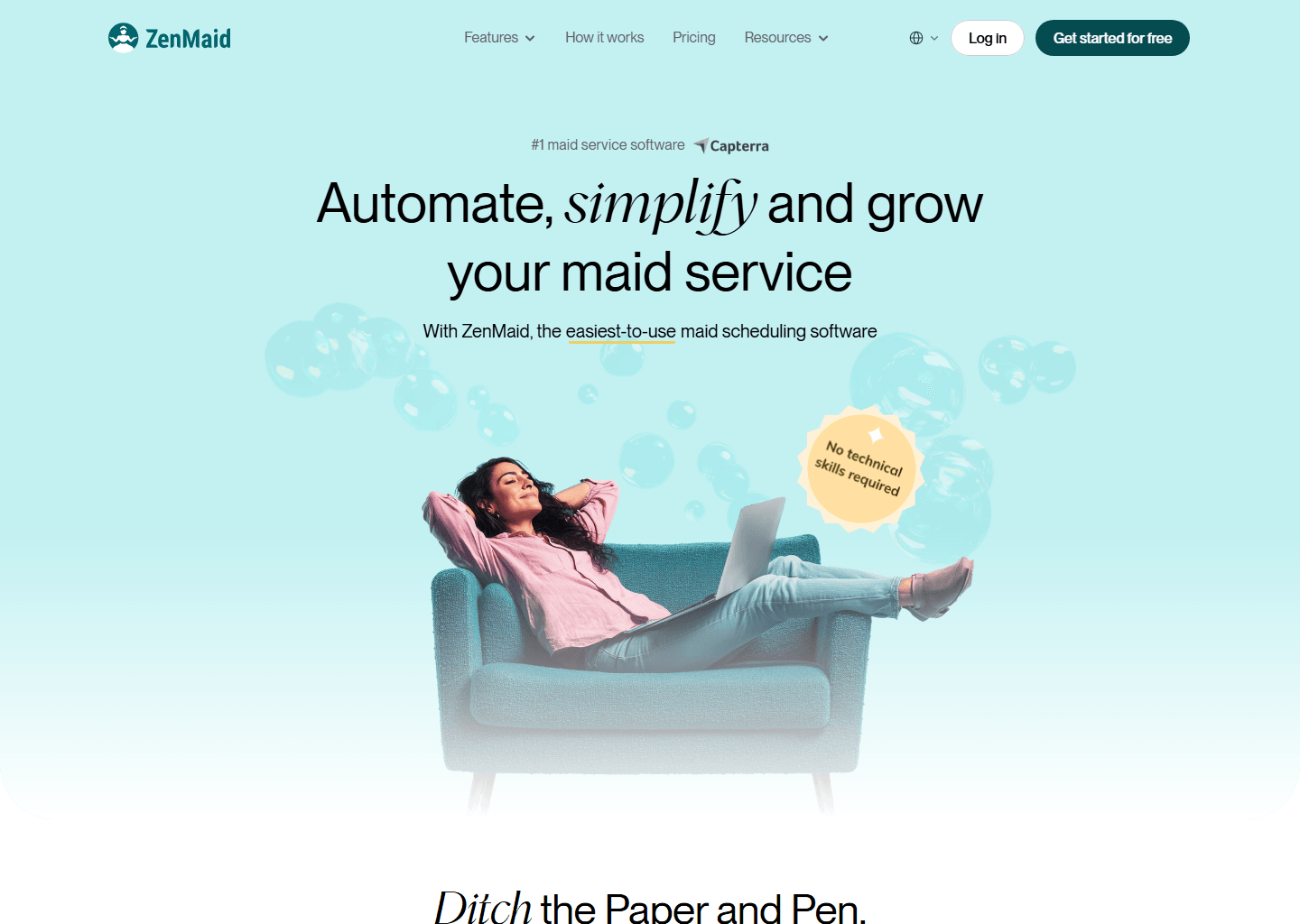
If you run a maid service or cleaning business, ZenMaid does the recurring-scheduling core for a fraction of the price: Starter $19/mo +$4/mo per active cleaner (up to 40 appointments), Pro $39/mo +$14/mo per cleaner (unlimited, checklists, GPS, payroll), Pro Max $49/mo +$24/mo per cleaner. QuickBooks sync is “coming soon,” not live yet. 14-day trial, free setup call. (Verified at zenmaid.com; SMS costs extra. Full breakdown: ZenMaid review.)
Choose it over Jobber when: you’re cleaning-only. And the saving isn’t $30: it grows as you hire, because ZenMaid charges $14 per cleaner on Pro against Jobber’s $29 per seat. An owner plus three cleaners is about $81/mo on ZenMaid against $116 on Jobber; at seven cleaners it’s $151 against $229.
What you give up: automatic route optimisation (ZenMaid has map views, and a person sequences the day) and the QuickBooks sync, still listed as coming soon.
Comparison at a glance
| Jobber | Housecall Pro | ServiceTitan | ZenMaid | |
|---|---|---|---|---|
| Starting price | $49/mo ($29 annual) | $59/mo (annual) | Custom quote (per tech) | $19/mo + per-cleaner fee* |
| Superpower | Quoting | Marketing + financing | Enterprise reporting | Cleaning-niche value |
| Best size | Solo → ~15 users | Small → mid | Large / commercial | Solo → small (cleaning) |
| Free trial | 14 days | 14 days | Demo only | 14 days |
Quick questions people always ask
My Jobber price went up. Did they raise prices? Almost certainly not. If a bill jumps at month thirteen, the usual cause is a first-year promotion ending — Jobber ran one through August 2026 — or an annual term you signed renewing at the standard rate. Check your invoice against those rates (Core $29, Connect $99, Grow $149, Plus $399 billed annually) before you consider moving.
What’s the best free Jobber alternative? There’s no serious free FSM tool worth your business. The realistic budget play is ZenMaid at $19/mo plus $4 per cleaner (cleaning only), or staying on Jobber Core at $29/mo billed annually.
Is Housecall Pro cheaper than Jobber? Jobber starts lower ($29/mo Core annual vs HCP’s $59/mo Basic annual). Compare the tier you’d actually use. See Jobber’s tiers and HCP’s pricing.
Should I switch if Jobber works fine? No. Migration costs real time and risk. Switch for a concrete missing capability, not a vibe.
Bottom line
Housecall Pro for marketing muscle, ServiceTitan when you’ve genuinely outgrown small-business tools, ZenMaid for lean cleaning businesses. And if you’re only mildly curious, stay put: Jobber remains one of the best tools in the class.
More context: best field service management software · Jobber review.
ZenMaid’s base price is per account, with the per-cleaner fee on top. See the ZenMaid review for the full breakdown. Pricing verified on the vendors’ own sites on 29 July 2026. Some links are affiliate links. See our affiliate disclosure.