ServiceTitan Alternatives (2026): Cheaper, Lighter Options
You sit through the demo, you like the software, and then you ask what it costs. For a lot of small shops, that’s where it ends.
ServiceTitan earns its reputation with large commercial and residential operations, and most businesses that book that demo are smaller than the software assumes. Looking elsewhere is often the right call.
But this is the one “alternatives” article on this site that needs a warning first: you probably can’t replace ServiceTitan feature for feature, and you should know exactly which capability you’re giving up before you move. Three of them have no equivalent anywhere below enterprise pricing. If your business genuinely uses one, switching doesn’t save you money: it moves a cost from your software bill to your back office.
Want a price you can see before a sales call, and you're solo or a growing small team? → Jobber. Want marketing, reviews, and consumer financing handled for you, mobile-first? → Housecall Pro. Running multiple crews with real commercial contracts and back-office staff to justify the reporting? → ServiceTitan is still the right tool.
The three things you can’t take with you
Check this list against your actual month-end before anything else:
- AIA-standard progress billing. ServiceTitan’s Application for Payment and Continuation Sheet are modelled on the G702 and G703 documents, with retainage set project-wide or per line item. Jobber does milestone payment schedules; Housecall Pro does percentage or fixed-amount progress invoicing. Neither produces a G702. If a general contractor asks for one by name, you cannot leave.
- Memberships with deferred revenue. ServiceTitan defers the upfront fee to a liability account and releases it into income as each visit is invoiced. Housecall Pro bills the plan and generates the visits (genuinely good operationally) but doesn’t do the revenue recognition: its own accounting is cash-based, with accrual adjustments left as manual work. Your accountant inherits that job.
- Two warranty clocks. ServiceTitan tracks the manufacturer’s warranty and your labour warranty as separate fields on the equipment record. Housecall Pro stores make, model, serial and install date; Jobber has no equipment object at all.
Everything else has a credible answer one tier down, at a fraction of the price: scheduling, dispatch, quoting, invoicing, payments, marketing, even memberships as an operational tool.
Why people look for a ServiceTitan alternative
- No public pricing: ServiceTitan’s tiers all say “Request Pricing,” so you can’t budget without a sales call, and while third-party reports peg it in the hundreds of dollars per technician per month, treat those as ballpark, not fact.
- Long contracts: ServiceTitan sells on annual commitments, not month-to-month flexibility.
- Heavy onboarding: this is an implementation project, not a same-day setup. That’s fine if you have staff to run it; painful if you don’t.
- Overkill below ~10 techs: a two-truck shop pays for depth (70+ integrations, enterprise dashboards) it won’t touch.
If none of that describes you (you’re running a real multi-crew commercial operation with an ops manager who lives in reports), ServiceTitan remains the strongest tool for that job.
1. Jobber: the transparent-pricing alternative
The clearest contrast to ServiceTitan’s “let’s talk” approach: Jobber posts its prices outright. Core starts at $49/mo ($29/mo billed annually) for one user, scaling up through Connect ($139/mo), Grow ($199/mo), and Plus ($499/mo), with extra users at $29/mo each. A 14-day free trial runs on the fully-loaded Grow plan, no card required. What you give up versus ServiceTitan: the deep job costing, real-time reporting, and 70+ integrations that large operations lean on.
Choose it over ServiceTitan when: you want a number today rather than a demo, and your team is closer to 1–15 people than 50. The catch: Jobber has no equipment records (properties have custom fields, that’s all) and no membership product, so it’s the bigger drop of the two if you run agreements or track installed equipment.
One detail to read carefully on Jobber’s pricing page: each plan carries three prices, and the cheapest two both commit you to twelve months. The rates above are the annual ones, the cheapest of the three. Month to month, Core is $49 rather than $29.
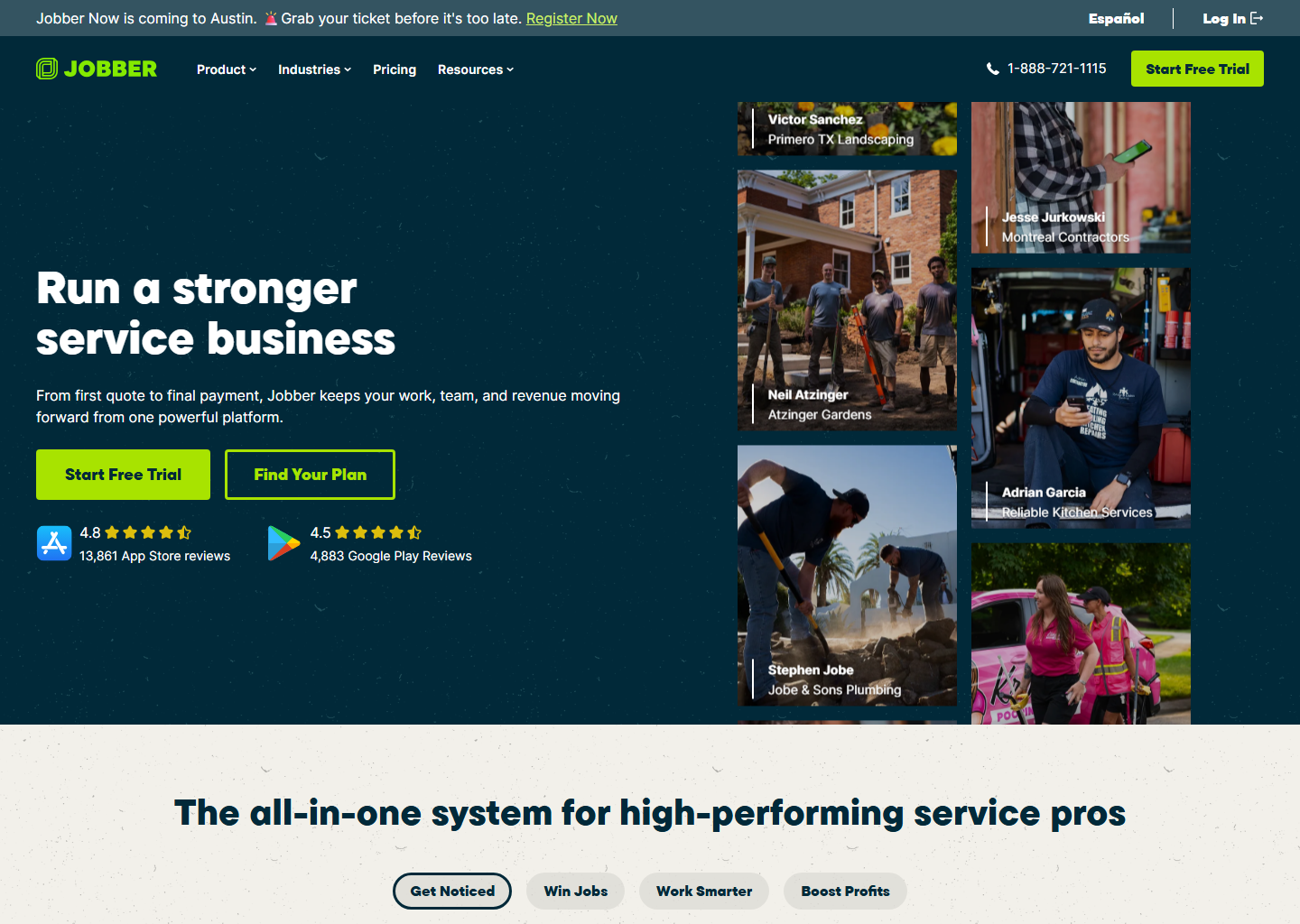
Full comparison: Jobber vs ServiceTitan → · Jobber’s full pricing breakdown →
2. Housecall Pro: the marketing + mobile-first alternative
If what you actually want out of software is growth (automated review requests, campaigns, online booking, plus consumer financing on bigger jobs), Housecall Pro is the better fit. It now publishes starting prices too: Basic $59/mo, Essentials $149/mo, MAX $299/mo (billed annually; monthly runs $20–40 more). A short quiz pins down your exact plan, the app is bilingual (EN/ES), and the free trial lasts 14 days. What you give up versus ServiceTitan: enterprise-grade reporting and ServiceTitan’s integration depth.
Pick it over ServiceTitan if marketing and a mobile-first workflow matter more to you than deep job costing, and you’re small to mid sized.

Full comparison: Housecall Pro vs ServiceTitan → · Housecall Pro’s full pricing breakdown →
The three side by side
| ServiceTitan | Jobber | Housecall Pro | |
|---|---|---|---|
| Starting price | Custom quote (per technician) | $29/mo (Core, annual) | From ~$59/mo (Basic, annual)* |
| Superpower | Enterprise reporting & job costing | Transparent pricing + quoting | Marketing + financing |
| Best size | Large / commercial, multi-crew | Solo → ~15 users | Small → mid |
| Free trial | Demo only | 14 days | 14 days |
*Housecall Pro’s page shows this starting figure per tier, but the exact plan and add-ons still come out of its short quiz. Get a live quote to confirm your number.
Quick questions people always ask
What’s the cheapest ServiceTitan alternative? Jobber’s Core plan at $29/mo (billed annually) is the realistic budget pick, a real, published number instead of a quote.
Is Jobber as powerful as ServiceTitan? No, and that’s the point: Jobber doesn’t try to be enterprise software. It covers scheduling, quoting, invoicing, and payments well for small-to-growing teams; it doesn’t match ServiceTitan’s job costing or integration depth.
Should I switch away from ServiceTitan if it’s working for me? No. If you’re actually using the reporting and integrations you’re paying for, switching costs real time for no upside. Look at alternatives when the price feels disconnected from the value you’re getting, not on principle.
Does Housecall Pro replace ServiceTitan for a growing team? For small-to-mid teams that value marketing and mobile more than deep reporting, yes. Once you’re running multiple crews and commercial contracts, you’ll likely outgrow it the same way you outgrew wanting ServiceTitan’s price tag.
Bottom line
Jobber if you want a real price today and a lean, small-team tool. Housecall Pro if marketing, reviews, and financing matter as much as scheduling. ServiceTitan stays the right call once you’re genuinely running a multi-crew commercial operation that needs its reporting depth. Don’t downgrade out of sticker shock alone if that’s actually you.
More context: best field service management software · ServiceTitan review.
Pricing verified on each vendor’s own site on 29 July 2026. ServiceTitan publishes none, which we state rather than estimate — always confirm your exact number before you buy. Some links are affiliate links — see our affiliate disclosure.