How Much Does Field Service Software Really Cost? (2026)
Two businesses running the same plan on the same platform can pay very different amounts for it. The subscription is the number everyone compares, and for most service businesses it’s the smaller half of what they hand over. The bigger half is the cut the card processor takes, and that isn’t one number per vendor. On Housecall Pro it moves with how the card gets taken. On Jobber it moves with which plan you’re on.
Budget for three things, in this order: the subscription at your real headcount, the card rate for the way your customers actually pay, and the bank-transfer option that undercuts both. Card processing on $40,000 a month of revenue runs $1,036 to $1,396, more than any plan on either platform. The subscription itself starts around $29/mo on Jobber Core or $59/mo on Housecall Pro Basic.
The bill has three parts and only one of them is advertised
Every pricing page in this category shows you the subscription. That’s part one. Part two is what the processor keeps out of each payment, which nobody shops for and everybody pays. Part three is the add-ons, which are cheap individually and add up quietly.
Part two is the one worth your attention, because it scales with your revenue while the subscription doesn’t. A solo operator collecting $15,000 a month is paying more in card fees than in software. At $40,000 a month it isn’t close.
Part one: the subscription, priced at your actual headcount
Both platforms change price with team size, and they do it in opposite ways. Jobber sells seats, with bundles hidden behind a team-size selector on its pricing page. Housecall Pro bundles seats into the tier.
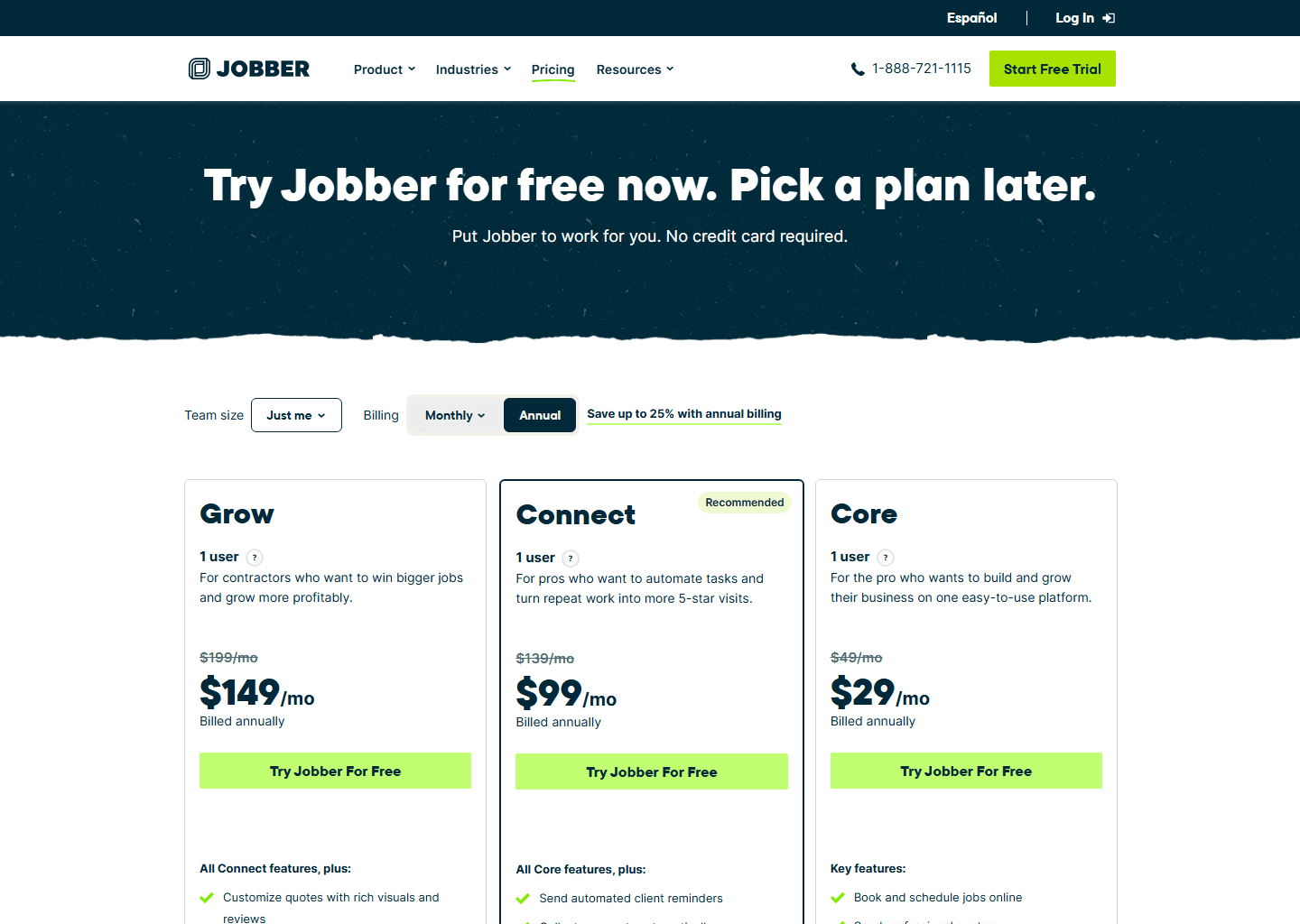
| Plan | Billed monthly | Billed annually | Users included |
|---|---|---|---|
| Core | $49/mo | $29/mo | 1 |
| Connect | $139/mo | $99/mo | 1 · 5 users $149/mo · 10 users $229/mo · 15 users $299/mo (annual) |
| Grow | $199/mo | $149/mo | 1 · 5 users $229/mo · 10 users $299/mo · 15 users $399/mo (annual) |
| Plus | $499/mo | $399/mo | 5 · 10 users $449/mo · 15 users $529/mo (annual) · sales-led |
| Plan | Billed monthly | Billed annually | Users included |
|---|---|---|---|
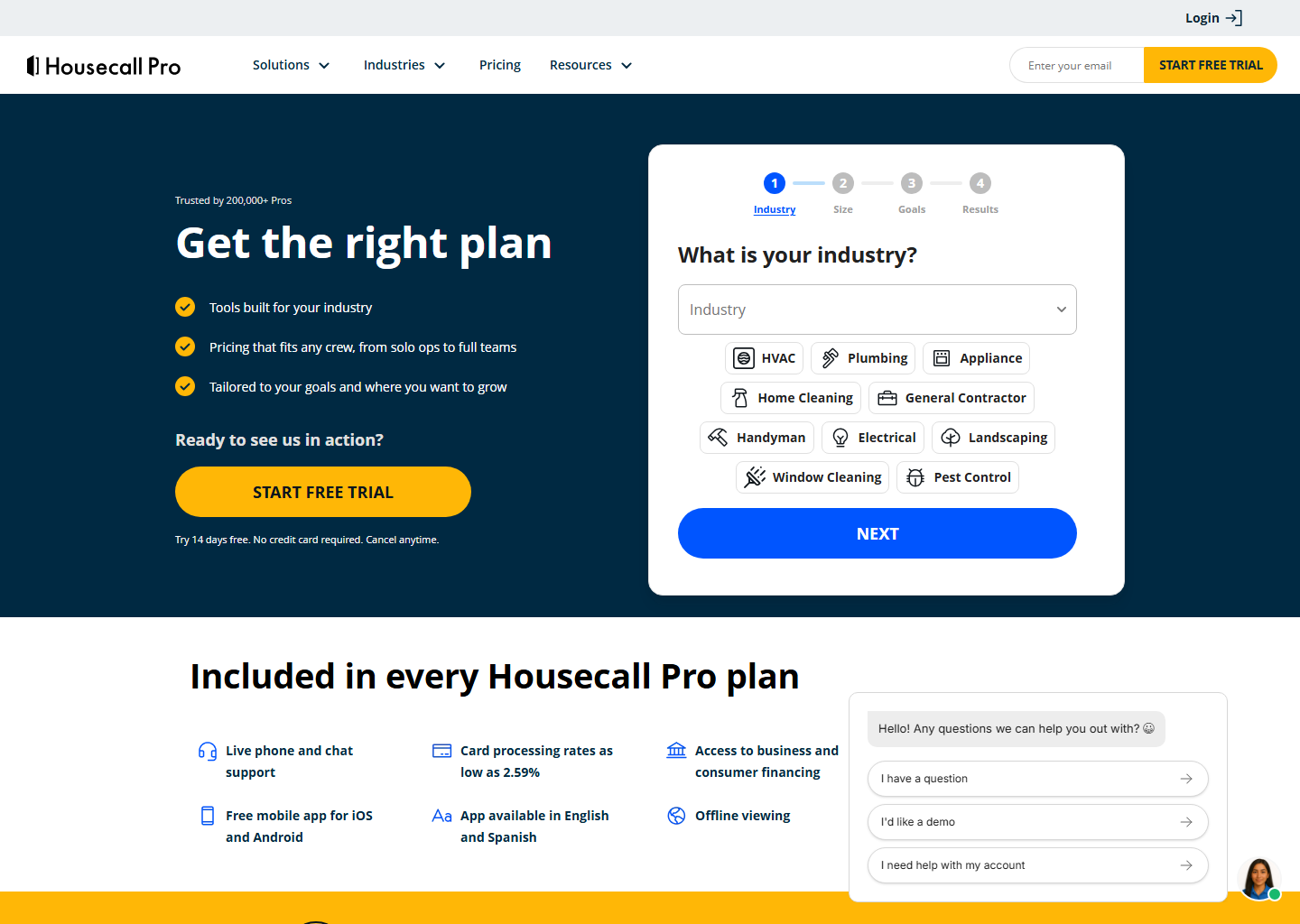
| Basic | $79/mo | $59/mo | 1 |
| Essentials | $189/mo | $149/mo | 5 |
| MAX | $329/mo | $299/mo | 8 |
At one user, Jobber Core is the cheapest way in. At five, Jobber Connect and Housecall Pro Essentials land on the same $149. Past that, Jobber’s bundles get better than buying seats one at a time: ten users on Grow is $299 rather than $149 plus nine seats at $29. Full tier-by-tier detail in our Jobber pricing guide and the Housecall Pro pricing breakdown.
ServiceTitan publishes no price list and no processing rate. It’s quoted per technician with a monthly minimum, and every figure circulating for it comes from third parties who disagree with each other by thousands. We keep those ranges, clearly labelled as estimates, in the ServiceTitan pricing guide.
Part two: the card rate, and why one number per vendor is wrong
Here’s what most comparison tables get wrong, this one included until we went back and checked. They print a single percentage per vendor. Neither vendor works that way.
Housecall Pro indexes the rate on how the card is taken, and publishes the whole card in its help centre:
| How the payment happens | Rate |
|---|---|
| Swiped, tapped or chipped with a reader or Tap to Pay on Mobile | 2.59% |
| Entered online by the customer from an invoice | 2.99% |
| Keyed by your staff, scanned in the app, or a card on file | 3.49% |
| Amex, commercial, corporate and business cards, any method | 3.49% |
| ACH bank transfer | 1% |
| Instapay instant payout | +1% |
| Klarna or PayPal Pay Later | 4.99% |
| Mobile check deposit | Free |
Jobber indexes it on something else. Its own settings documentation says your Jobber Payments rate is determined by the subscription plan you’re on, and that the figure you pay is shown inside your account. What Jobber does publish openly is the card-present side: Tap to Pay costs 2.7% plus 30 cents per transaction on every plan in the US and Canada, and the physical card reader takes 0.2% off your credit card fee.
So the honest comparison is narrower than a table can hold. On card-present work, Housecall Pro’s published 2.59% sits below Jobber’s published 2.7% plus 30 cents at any job size. On a $180 call that’s $4.66 against $5.16. On a $2,000 install it’s $51.80 against $54.30. Whether that holds for the rest of your payments depends on a Jobber rate that you can only see once you’re inside an account, so check yours in the settings screen before you assume anything.
The lever that beats every plan decision
Move a payment from a keyed card to a bank transfer and it goes from 3.49% to 1%. Both platforms charge the same 1% for ACH, Jobber on every plan in the US, Housecall Pro across its rate card.
On $40,000 a month of collections that’s $1,396 against $400. The $996 you keep is more than Housecall Pro MAX at $299 and more than Jobber Plus at $399, which means the payment method your invoices default to matters more to your bank balance than the plan you agonised over. The catch is the wait: Jobber deposits bank payments in about four business days, so ACH suits the invoice you send on Friday, not the card you take standing in a driveway.
Part three: the extras, and the ones that arrive as percentages
Jobber’s published add-ons are Receptionist at $29/mo, Pipeline at $49/mo and the Marketing Suite at $79/mo. Housecall Pro’s spread further: vehicle GPS at $20 per vehicle, a dashcam at $49 per device, websites from $99/mo, call tracking from $45/mo, and campaigns from $9/mo by message volume. Its Profit Rhino price book is $199/mo, which is the filled-in book of trade pricing rather than the flat-rate feature itself, since that already comes with Essentials.
Two extras arrive as percentages rather than monthly fees, and those are the expensive kind. Consumer financing runs a flat 3.9% per transaction through Wisetack, which both platforms use. Instant payouts add 1% on either. Neither is a bad deal, but a percentage on revenue behaves nothing like $29 a month.
What a year actually costs
Three worked examples, using annual billing and the verified rates above.
A solo operator on Jobber Core pays $348 for the year. The same person on Housecall Pro Basic pays $708. If they collect $15,000 a month on cards taken in person, the processing adds roughly $4,660 a year at Housecall Pro’s 2.59%, which dwarfs the gap between the two subscriptions. Which of those two plans is right for one person turns on a feature rather than a price, and we work that through in field service software for solo operators.
A five-person crew on Jobber Connect pays $1,788 a year with all five seats included. On Housecall Pro that’s Essentials at the same $149, so the same $1,788.
A nine-person shop on Housecall Pro MAX pays $4,488 a year, that’s twelve months at $299 plus a ninth seat at $75/mo. The same nine people on Jobber Grow sit between the ten-user bundle at $299 and Connect at $229, depending on which features you need. Our full platform comparison works through which tier holds which feature.
Cleaning businesses have a fourth option worth pricing. ZenMaid charges $19/mo plus $4 per active cleaner on Starter, so a solo cleaner pays $276 a year, the cheapest real door in this market. It’s cleaning-only, and the trade-offs are in our ZenMaid review.
Quick questions people always ask
What’s the cheapest field service software that isn’t a toy? Jobber Core at $29/mo billed annually ($49 monthly) for general trades, or ZenMaid Starter at $19/mo plus $4 per active cleaner for cleaning businesses. Both include scheduling, quoting, invoicing and payments. Housecall Pro Basic at $59/mo is the other complete one-person option and adds a price book and review management.
Is annual billing worth it? It’s a 30 to 40% discount on both platforms, which is real money, and it’s the price you’ll see quoted almost everywhere. Jobber splits that choice three ways rather than two: no commitment, twelve months paid monthly, or twelve months paid up front — $49, $39 and $29 for Core. The crossed-out figure on its page is the first of those, not an expiring offer.
How much should I budget for card processing? Take your monthly card revenue and multiply by 3% as a planning figure, then work it down. Steering payments to bank transfer at 1%, or taking cards in person rather than keying them in later, is where the savings are. On $40,000 a month the spread between best and worst case is over $900.
Do I have to upgrade my plan just to sync with QuickBooks? Yes, on both. Jobber puts it on Connect and above; Housecall Pro puts it on Essentials and above. We costed out whether that upgrade pays for itself, and for a small operation the answer isn’t always yes.
Bottom line
Price it in this order and the decision usually makes itself. Cost the subscription at the headcount you’ll have in six months, not today. Then look at how your customers actually pay you, because that’s the number with a percentage sign on it and it’s the one that grows. If most of your money arrives as cards keyed in after the fact, fixing that is worth more than any plan you could switch to.
More context: Jobber pricing · Housecall Pro pricing · ServiceTitan pricing · best field service management software.
Pricing verified on the vendors’ own sites on 10 August 2026. Some links are affiliate links — see our affiliate disclosure. Screenshots are from the vendors’ official websites and belong to their respective owners.